
Deep Search: find candidates by what they said, not just their name
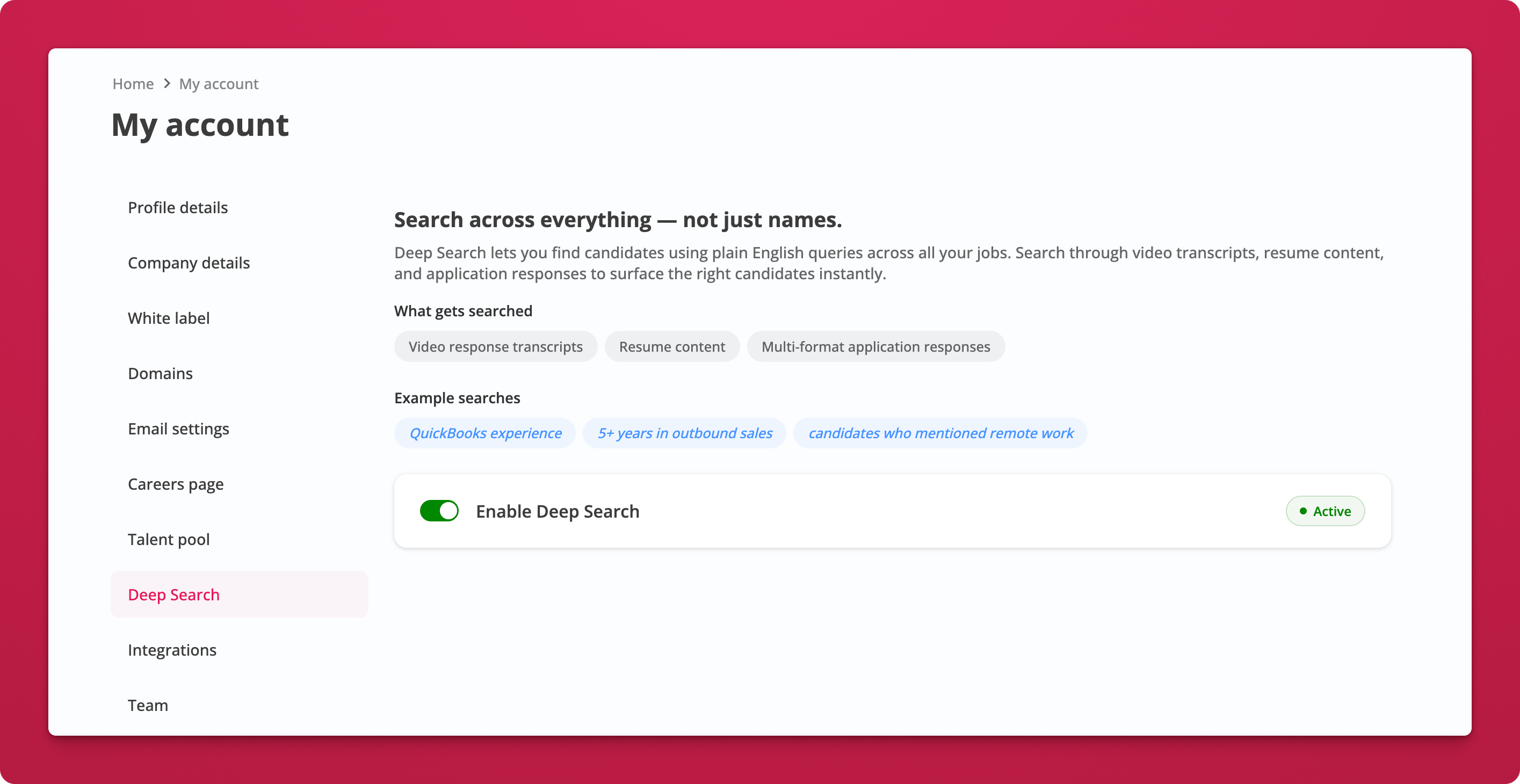
Search across everything, not just names.
Until now, search only matched candidate names and email addresses. Deep Search changes that completely. You can now find candidates using plain English queries across all your jobs, searching through video response transcripts, resume content, uploaded files, notes, and application responses.
 # How It Works
- Enable Deep Search in My Account → Deep Search. Toggle it on and it activates instantly.
- Search from your dashboard. Type any query in the search bar. Try things like "QuickBooks experience", "5+ years in outbound sales", or "candidates who mentioned remote work".
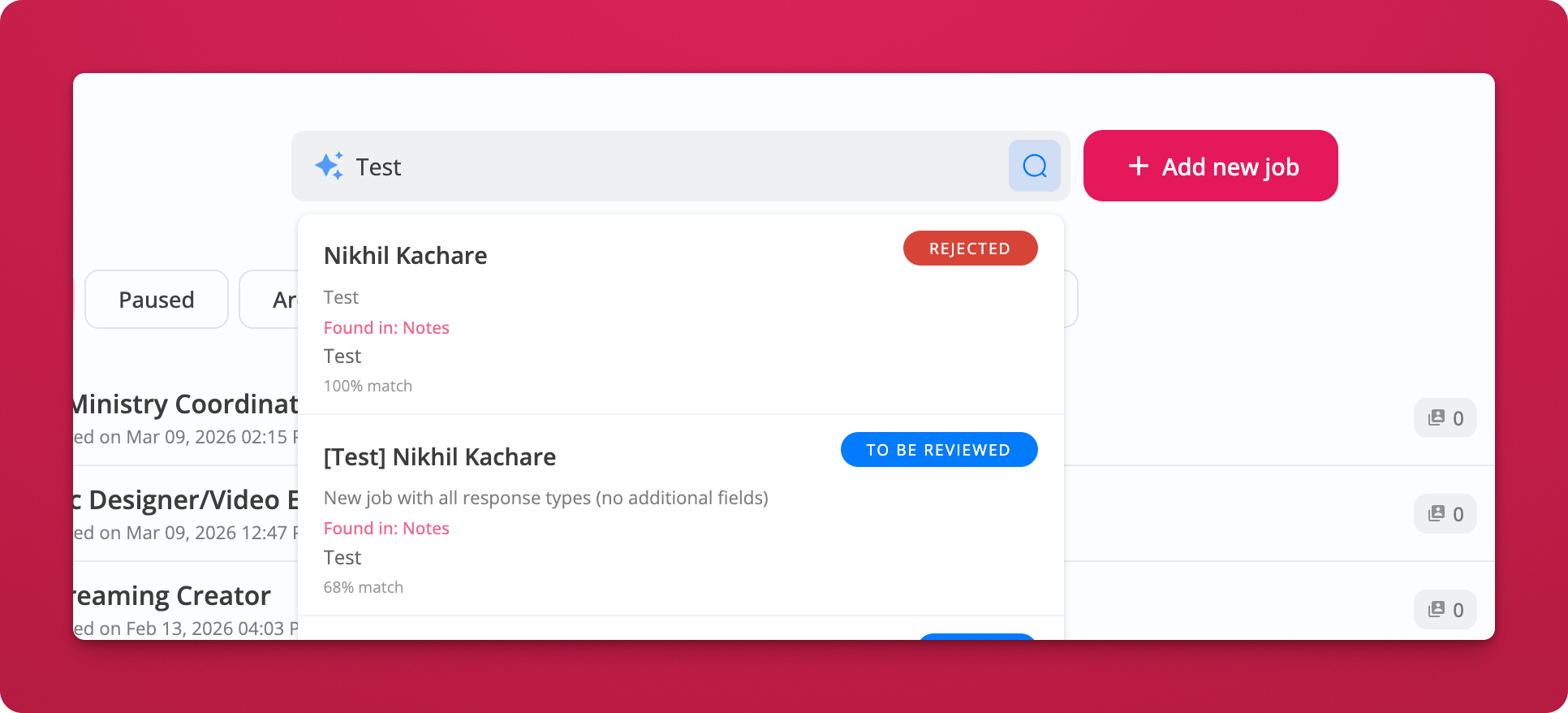
- Review results across all jobs. Each result shows the candidate name, where the match was found (transcripts, notes, resume, etc.), and a match percentage so you can quickly prioritize.
 # What gets searched
- Video response transcripts
- Resume content
- Multi-format application responses
- Notes added by your team
- Uploaded files
Notes
- Deep Search is available on the Agency plan.
- Enable it from My Account → Deep Search.