
Delete a Job
You can now permanently delete a job from Hirevire, along with all its applications, email templates, and scorecards.
Previously, archiving was the only way to remove a job from your active list. Now, if you want a clean slate, delete does exactly what it says.
How it works:
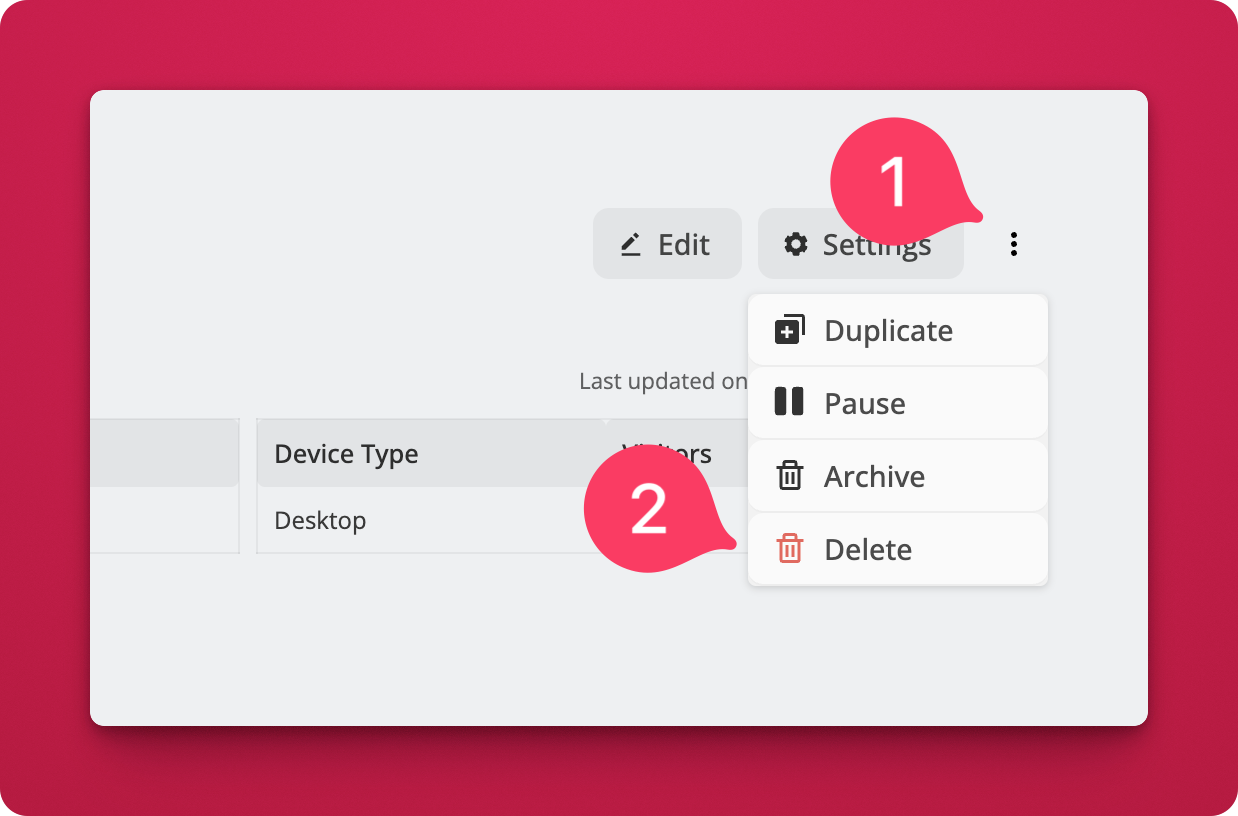
- Open any job from your dashboard.
- Click the three-dot menu (⋮) in the top right corner.
- Select Delete from the dropdown.
 What gets deleted:
- The job and its settings
- All candidate applications and video responses
- Associated email templates
- Any scorecards tied to that job
This action is permanent and cannot be undone, so use it only when you're sure.