
Picture-in-Picture mode for videos
Reviewing a candidate's video response no longer means staying glued to one spot on the page.
When you scroll past a video while it's playing, it automatically pops into a Picture-in-Picture window so you can keep watching while you read through the rest of the submission, text answers, uploaded resume, and all.
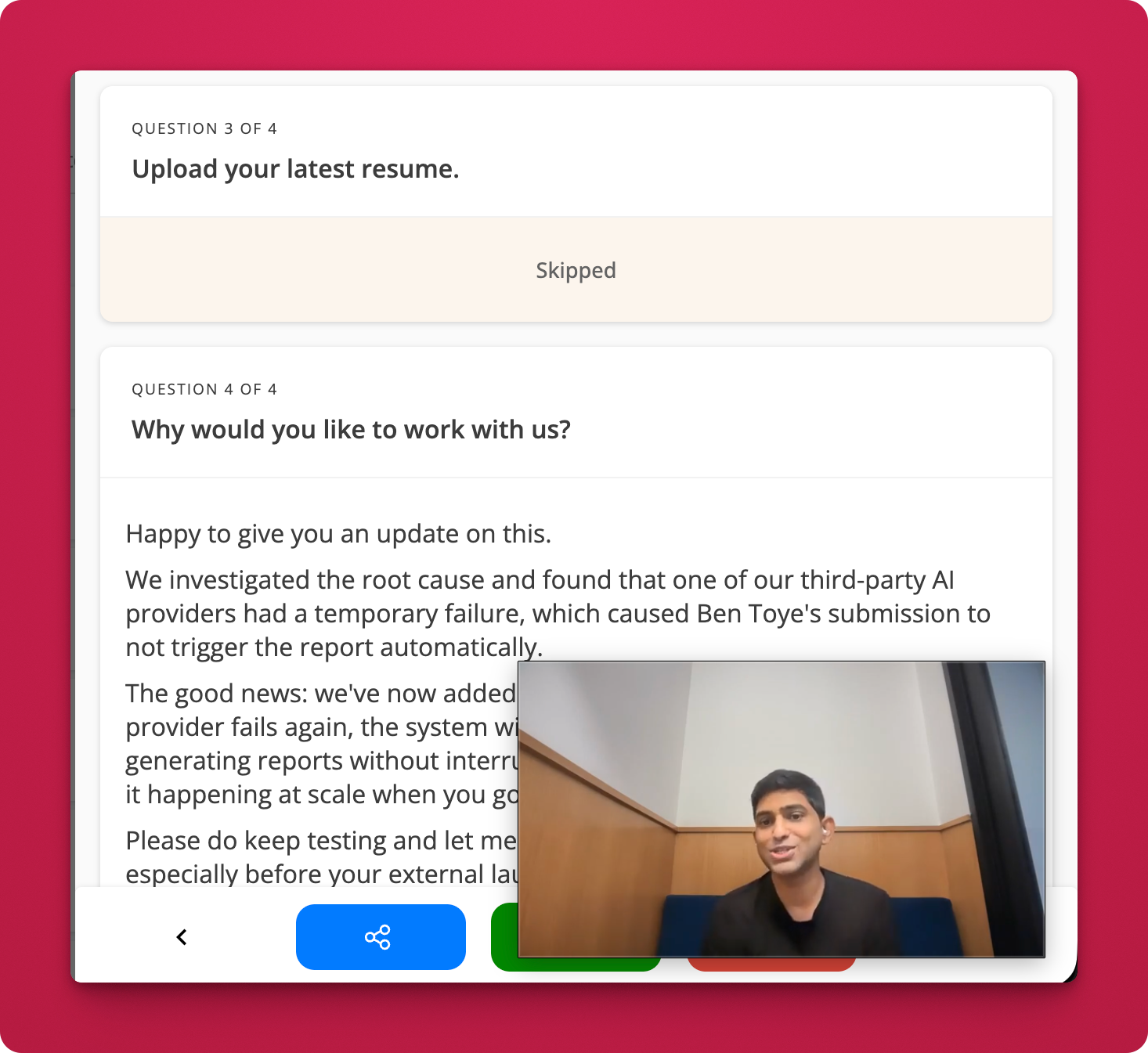
How it works:
- Open any candidate submission and play a video response.
- Scroll down to review other answers.
- The video floats into a small Picture-in-Picture player automatically, no extra clicks needed.
- When you scroll back up, it snaps back into place.