
Verify Webhook Payloads with HMAC Signatures
Why
Anyone who knows your webhook URL can send fake requests to it. Signature verification lets you confirm a payload actually came from Hirevire before you act on it.
What's new
Every webhook request now includes an X-Hirevire-Signature header (t=timestamp,sha256=hmac) and an X-Hirevire-Timestamp header, generated from a signing secret you control. Verify them on your end to reject spoofed or tampered payloads.
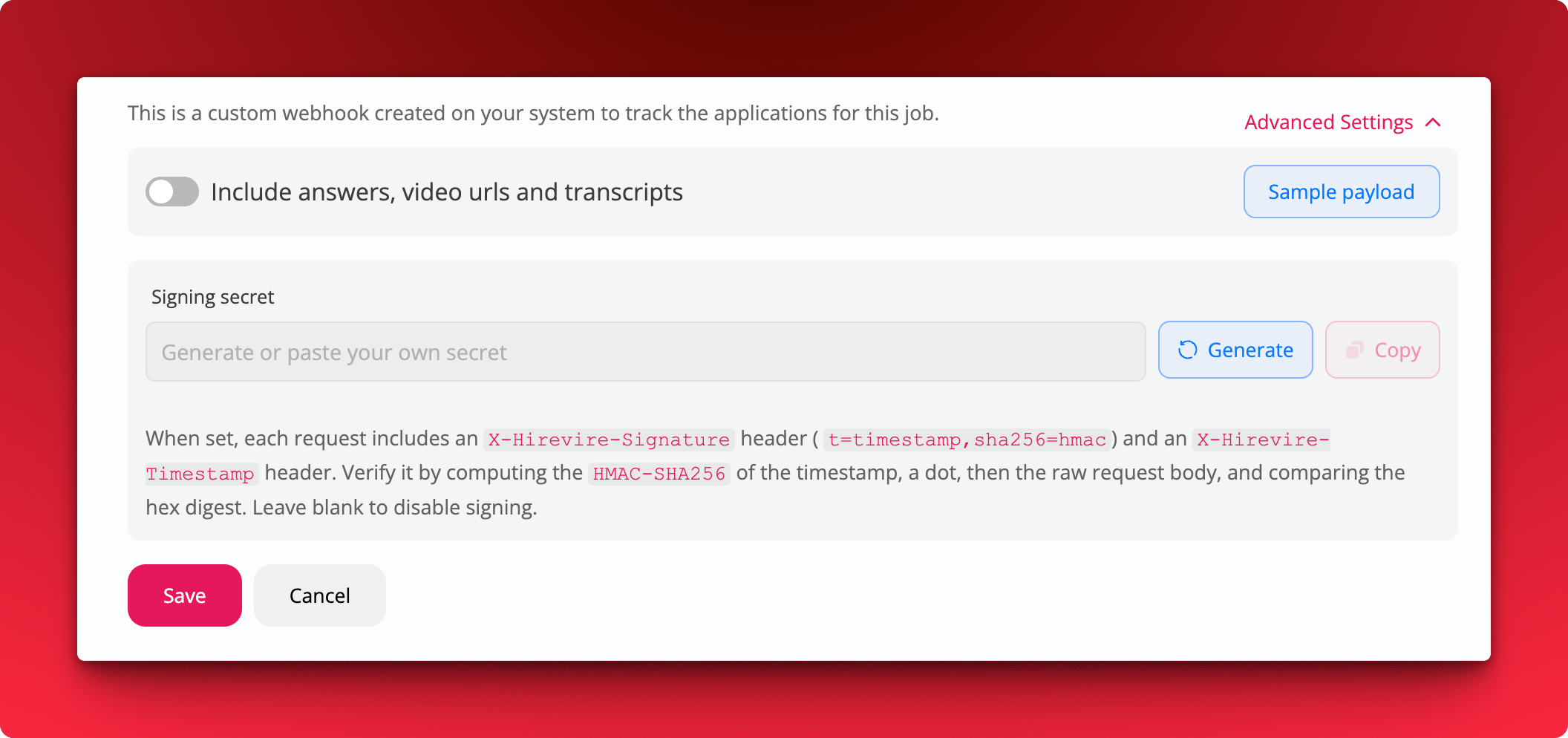 Where
Where
- Job Settings → Advanced Settings → Webhooks
How it works
- Open a job's Webhook settings and expand Advanced Settings
- Under Signing secret, click Generate (or paste your own secret), then Save
- On your endpoint, compute the
HMAC-SHA256of the timestamp, a dot, then the raw request body, and compare the hex digest against the signature inX-Hirevire-Signature
Notes
- Available on Agency and Platform plans only
- Each job has its own signing secret
- Leave the secret blank to disable signing, existing webhooks keep working without it