
Auto-Disqualify Applicants Who Don't Meet Must-Have Criteria
Stop spending time reviewing applications that don't meet your basic requirements. With Auto-disqualify, applicants who fail any must-have scoring criteria are automatically filtered out before they ever reach your review queue.
How it works:
- In the Add / Edit Job page, navigate to the Scoring section and enable Scoring for Standard Responses.
- For the questions you've added, set scoring criteria and mark the critical ones as Must Have.
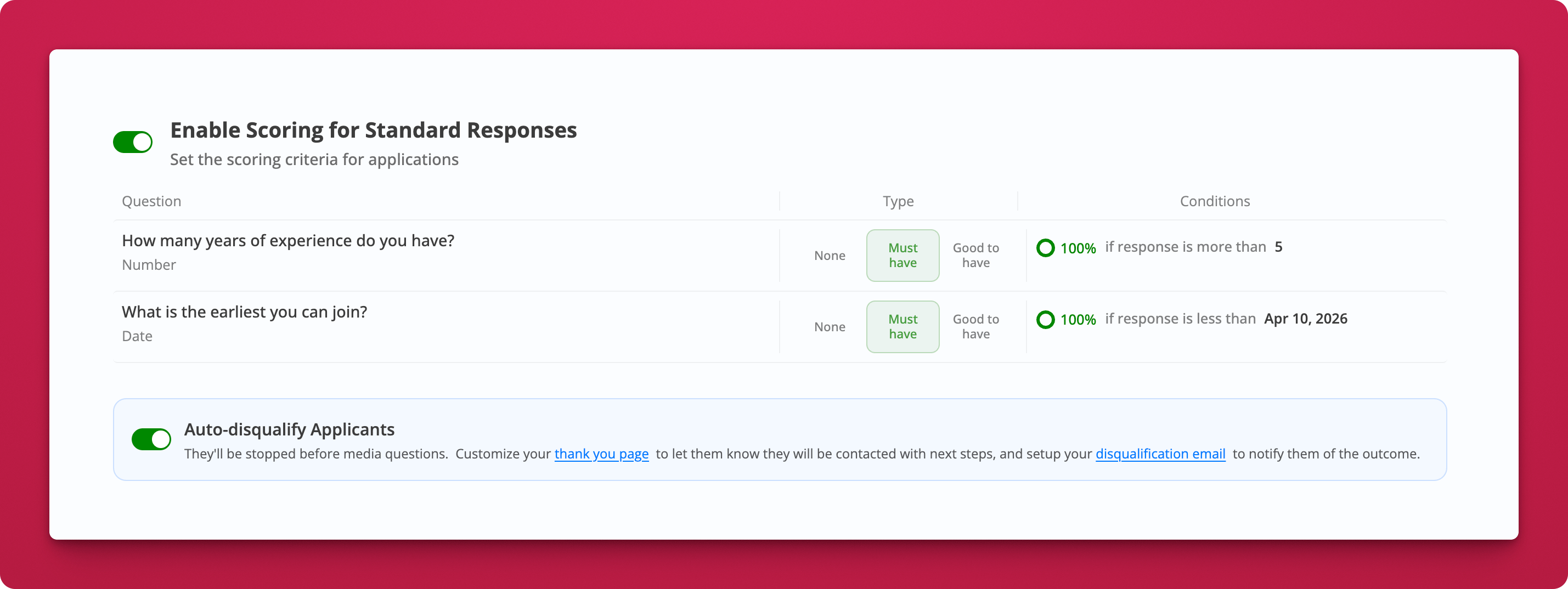
- Toggle on Auto-disqualify Applicants. Any candidate who fails a must-have condition is stopped before the media questions and moved straight to the Disqualified tab. Disqualified applicants don't count towards your monthly limits.
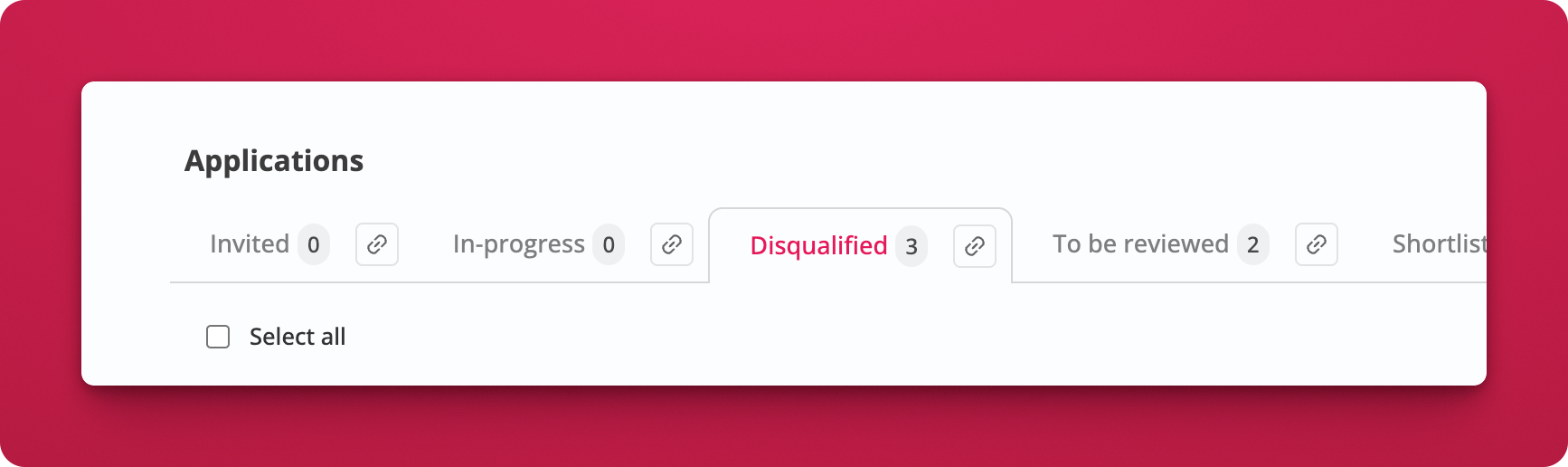
- Optionally, set up a Disqualified applicants email template under Emails / SMS to notify them automatically. You can add a delay (in hours) before the email goes out.
 Why this matters:
If you're hiring for a role with hard requirements - minimum experience, availability by a specific date, location, or anything else you no longer have to sift through applicants who clearly don't qualify. Only candidates who clear all must-have criteria make it to your review queue.