Greenhouse MCP: What Its 36 Tools Cover, and What They Don't
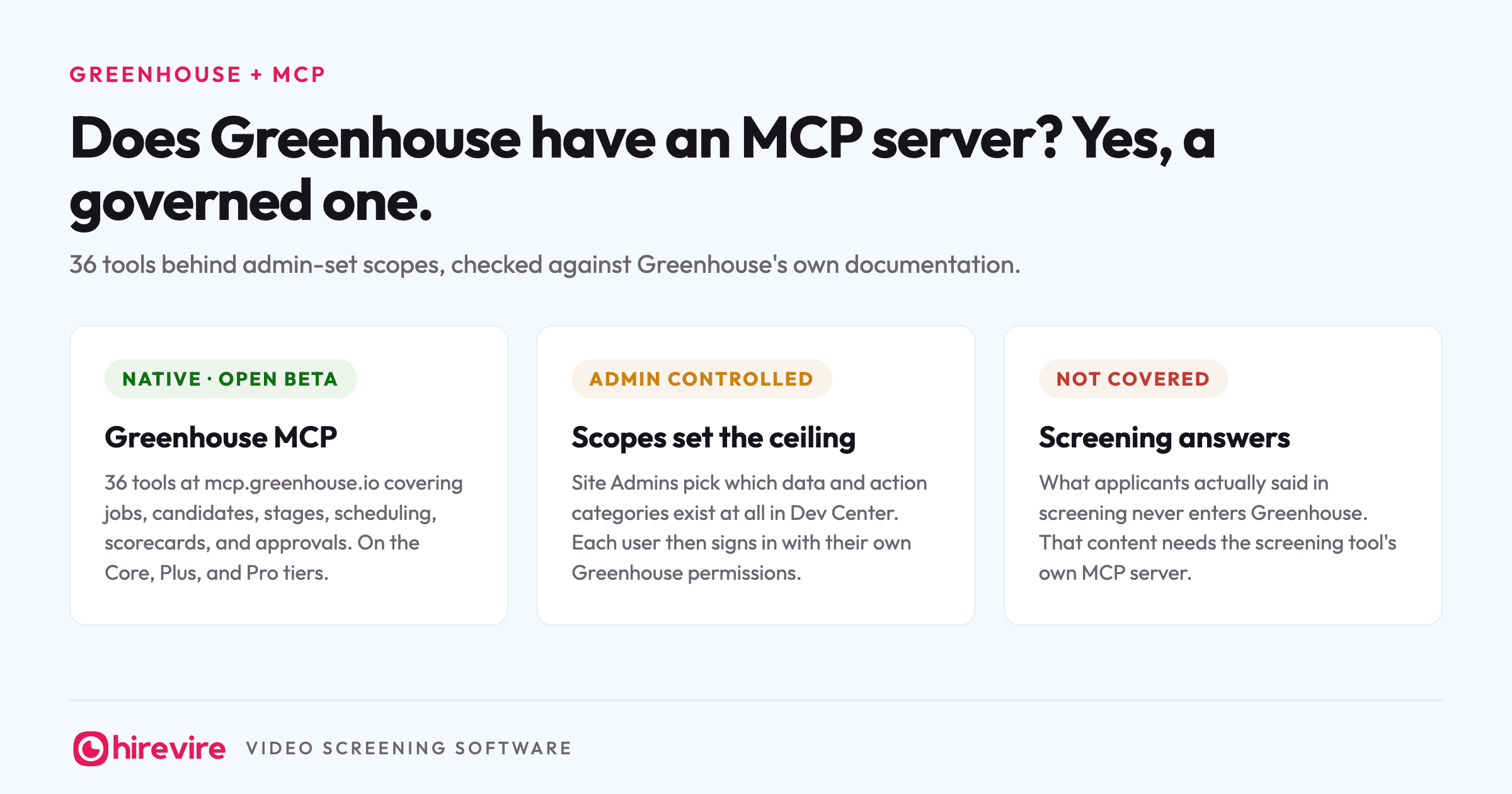
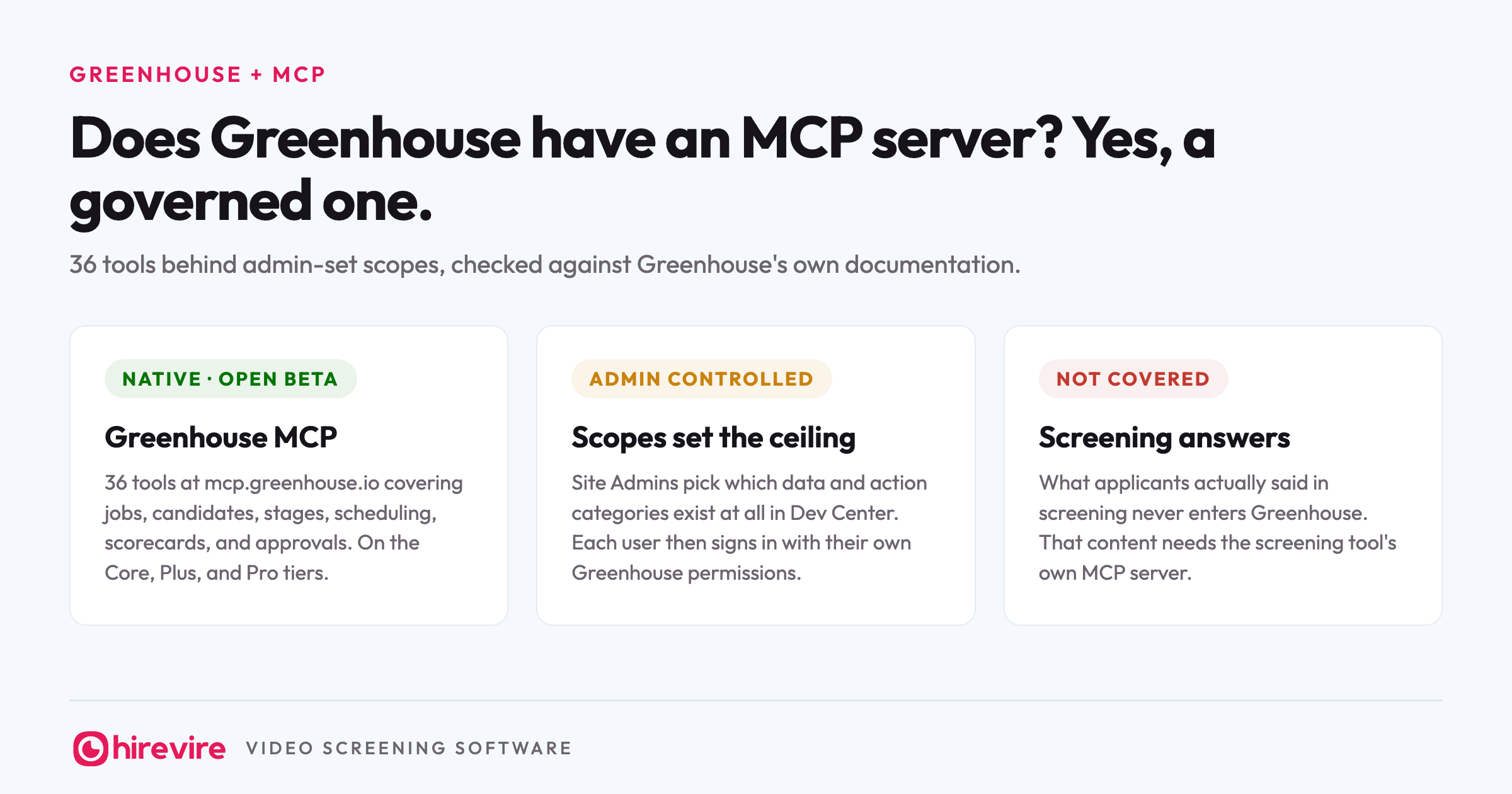
Greenhouse has an official MCP server, live in open beta, and it is the most governance-minded of the ATS servers shipping today. Announced in May 2026 and rolled out from June, it puts 36 tools behind scopes a Site Admin enables in Dev Center, so an agent in Claude or ChatGPT can read your pipeline, move applications, and schedule interviews without reaching past what your organization approved. If you run Greenhouse on the Core, Plus, or Pro tier, you can turn it on today.
Last verified: 25 August 2026. Every claim below was checked against Greenhouse's own product pages, support documentation, and newsroom on that date.
Key takeaways
| The piece | The state of it | What it means for you |
|---|---|---|
| Greenhouse MCP (native) | Open beta at mcp.greenhouse.io/mcp, 36 tools, on Core, Plus, and Pro | A public URL you can connect today, unlike the invite-only servers at Workday and BambooHR |
| Governance | Site Admins enable scopes in Dev Center; each user then signs in with their own Greenhouse permissions | Two locks on every request: what the org allowed, and what the person can see |
| Clients | Claude, ChatGPT, and Claude Code documented, plus any client supporting OAuth 2.0 with PKCE | Works with the AI tools your team already runs |
| Hirevire MCP alongside | Screening answers, transcripts, and scores next to Greenhouse's records | Covers the one hiring stage no Greenhouse tool reaches |
The official answer
Greenhouse announced its MCP in May 2026 and rolled it out from June, framing it as a governed way to connect the AI tools an organization already uses to its hiring data. As of August 2026 it is in open beta for all Site Admins on the Core, Plus, and Pro tiers, with no separate price listed.
That framing is worth taking seriously rather than reading as marketing. Most HR vendors shipped MCP servers as engineering side projects; Greenhouse shipped one with organization-level controls, rate limits, and safety limits designed to stop an agent doing anything the org did not approve. For teams whose security review has been the blocker on connecting AI to recruiting data, this is the server designed to pass that review.
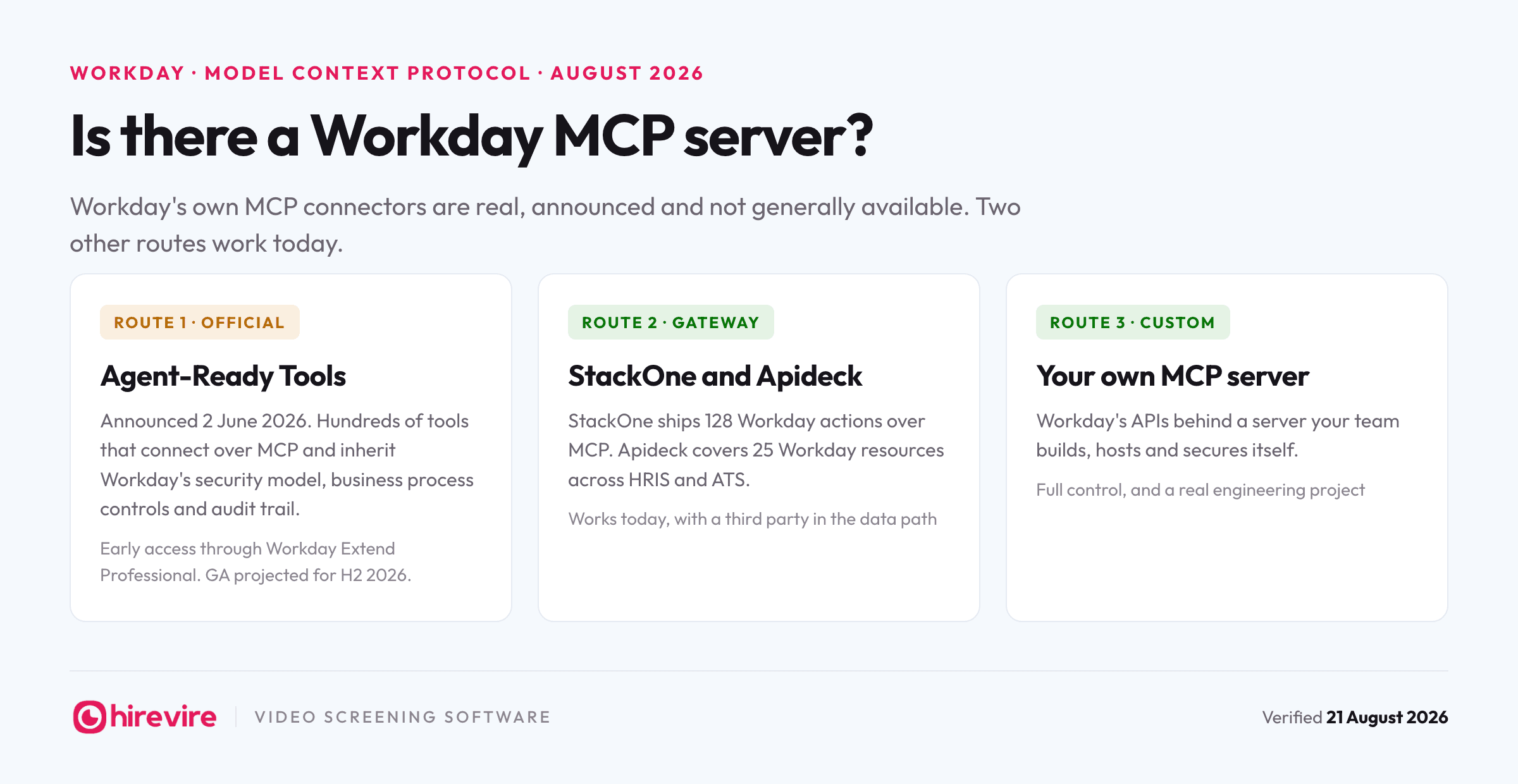
The practical difference from the rest of the market: Workday and BambooHR have both announced servers that sit behind invitation lists. Greenhouse's has a public URL and a support article telling you how to connect. You can be running it this afternoon.
Turning it on takes an admin, then a URL
Setup runs in two halves, per Greenhouse's own guide:
- A Site Admin opens Dev Center, then MCP Access, and enables the scopes the organization wants to exist at all: categories like reading candidates, managing jobs, or editing applications.
- Each user adds https://mcp.greenhouse.io/mcp to their AI tool as a custom connector.
- The browser opens an OAuth sign-in against their Greenhouse account, and the connection inherits that person's existing Greenhouse permissions.
- In Claude Code, the same thing runs from the terminal with a browser sign-in at the end.
Two details to plan around. First, scopes are a ceiling, not a grant: a user can never authorize more than the admin enabled, and their own Greenhouse permissions still apply underneath. Second, when an admin changes scopes, users have to reconnect, so settle the scope list before rolling it out to the team rather than adjusting weekly.
Documented clients are Claude, ChatGPT, and Claude Code, and Greenhouse states the server works with Amazon Q, Copilot Studio, Glean, Grok, and any client supporting OAuth 2.0 with PKCE and Dynamic Client Registration.
The 36 tools by group
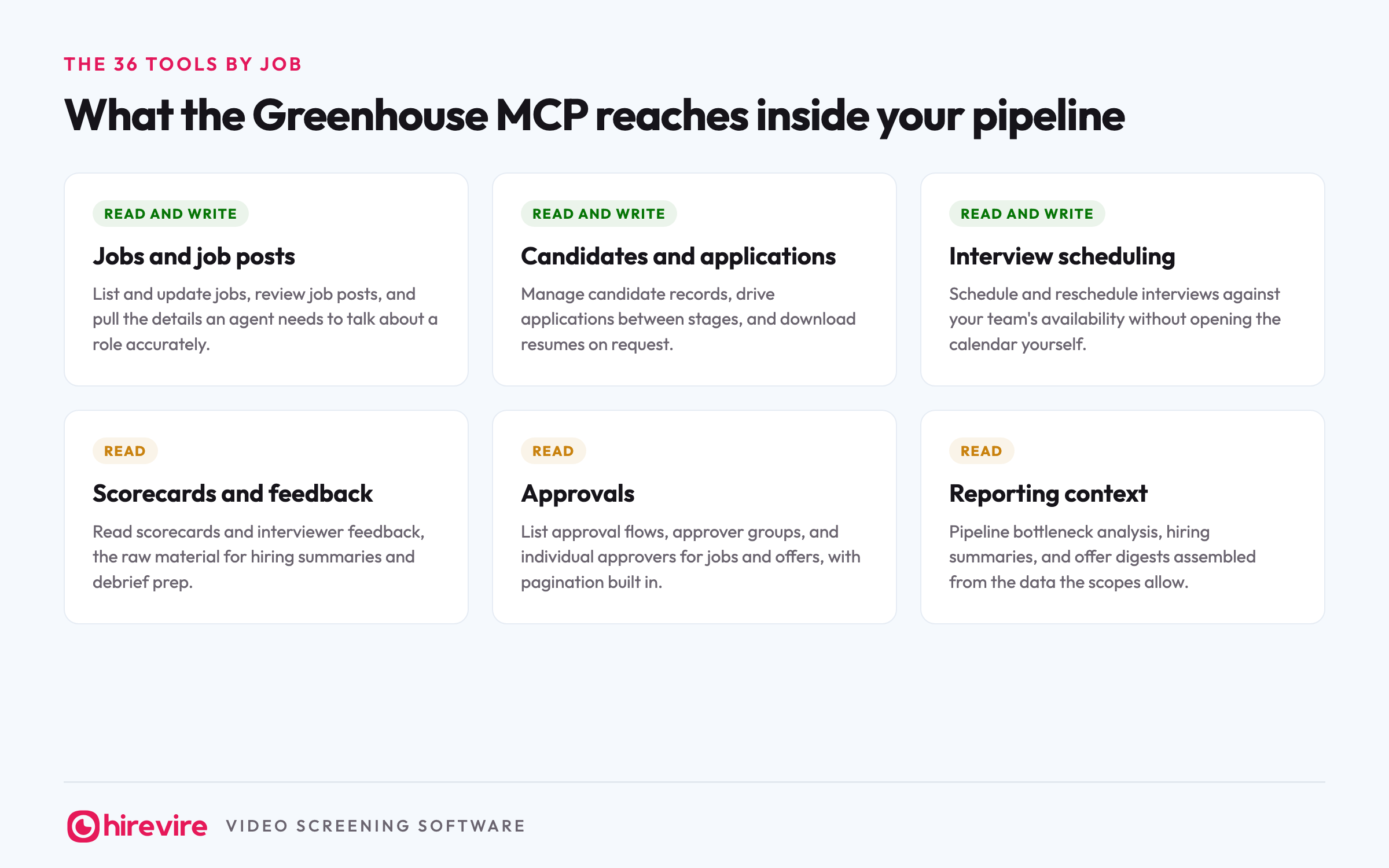
| Group | Access | What the tools do |
|---|---|---|
| Jobs and job posts | Read and write | List and update jobs, review job posts, pull role details |
| Candidates and applications | Read and write | Manage candidate records, drive applications between stages, download resumes |
| Interview scheduling | Read and write | Schedule and reschedule interviews against team availability |
| Scorecards and feedback | Read | Read scorecards and interviewer feedback for summaries and debrief prep |
| Approvals | Read | List approval flows, approver groups, and individual approvers for jobs and offers |
| Reporting context | Read | Pipeline bottleneck analysis, hiring summaries, offer and forecast digests |
The shape of that list tells you who Greenhouse built this for: recruiting operations. The write tools automate the mechanical work of running a pipeline, and the read tools feed the questions a talent lead asks in a Monday meeting. What the list does not contain is anything that evaluates a candidate, which we will come back to.
What an agent can run once it's connected
Concrete asks, grouped by what they need. The first group works with read scopes alone.
Reading the pipeline:
- "Which roles have the most candidates stuck at the take-home stage right now?"
- "Summarize the interviewer feedback for the three finalists on the data analyst role."
- "List every offer waiting on approval and name who it is waiting on."
Acting on it. These need the write scopes enabled in Dev Center, and they run with your own Greenhouse permissions:
- "Move Priya Nair's application to Onsite and schedule the panel for Thursday afternoon."
- "Reschedule tomorrow's 3 pm interview with the backend candidate to Friday morning."
- "Update the support role's job post to mention the Pune location."
Chained runs. The kind of ask no dashboard answers in one step:
- "Find every application that has not moved in two weeks, group them by recruiter, and draft a nudge note for each one."
Notice what every one of these operates on: applications, stages, schedules, feedback from interviews that already happened. That pattern matters for the section after next.
The governance model, and why it is the point
Every request through the Greenhouse MCP passes two checks. The organization check: does the scope the admin enabled in Dev Center cover this category of data or action at all? And the person check: does the signed-in user's own Greenhouse permission level allow it? An agent connected by a coordinator cannot see compensation data the coordinator cannot see, no matter what the admin enabled, and nobody can grant themselves a scope the admin left off.
On top of the two checks sit rate limits and safety limits that keep an agent from performing actions outside approved boundaries, which addresses the failure mode security teams actually worry about: not a malicious agent, but an over-eager one running a bulk action nobody intended.
The trade for all this is a setup step. Workable hands any user a URL and an OAuth screen; Greenhouse requires an admin decision first, and users cannot self-serve around it. For a five-person startup that is friction. For the mid-market and enterprise teams Greenhouse sells to, that friction is precisely the feature, because it means the AI rollout happened on purpose.
Should you turn it on?
Four questions settle it:
- Are you on Core, Plus, or Pro and curious? If yes: enable it. There is no listed extra cost, open beta means the tool list can still shift, and a read-only scope set makes the experiment reversible.
- Is your security team the blocker? If yes: this is the ATS server built for that conversation. Enable read scopes only, show the two-check model, and expand later.
- Are you not a Site Admin? Then nothing happens until one acts. Send them the setup guide; users cannot connect around an unconfigured Dev Center.
- Is screening the stage that eats your week? If yes: no Greenhouse scope helps, because Greenhouse never stores what applicants said before the first interview. Pair a screening MCP like Hirevire's beside it, covered below.
How Greenhouse's server compares with the other ATS MCPs
Greenhouse is one of five ATSs running a vendor-maintained server as of August 2026, and its governance model is what sets it apart in that group.
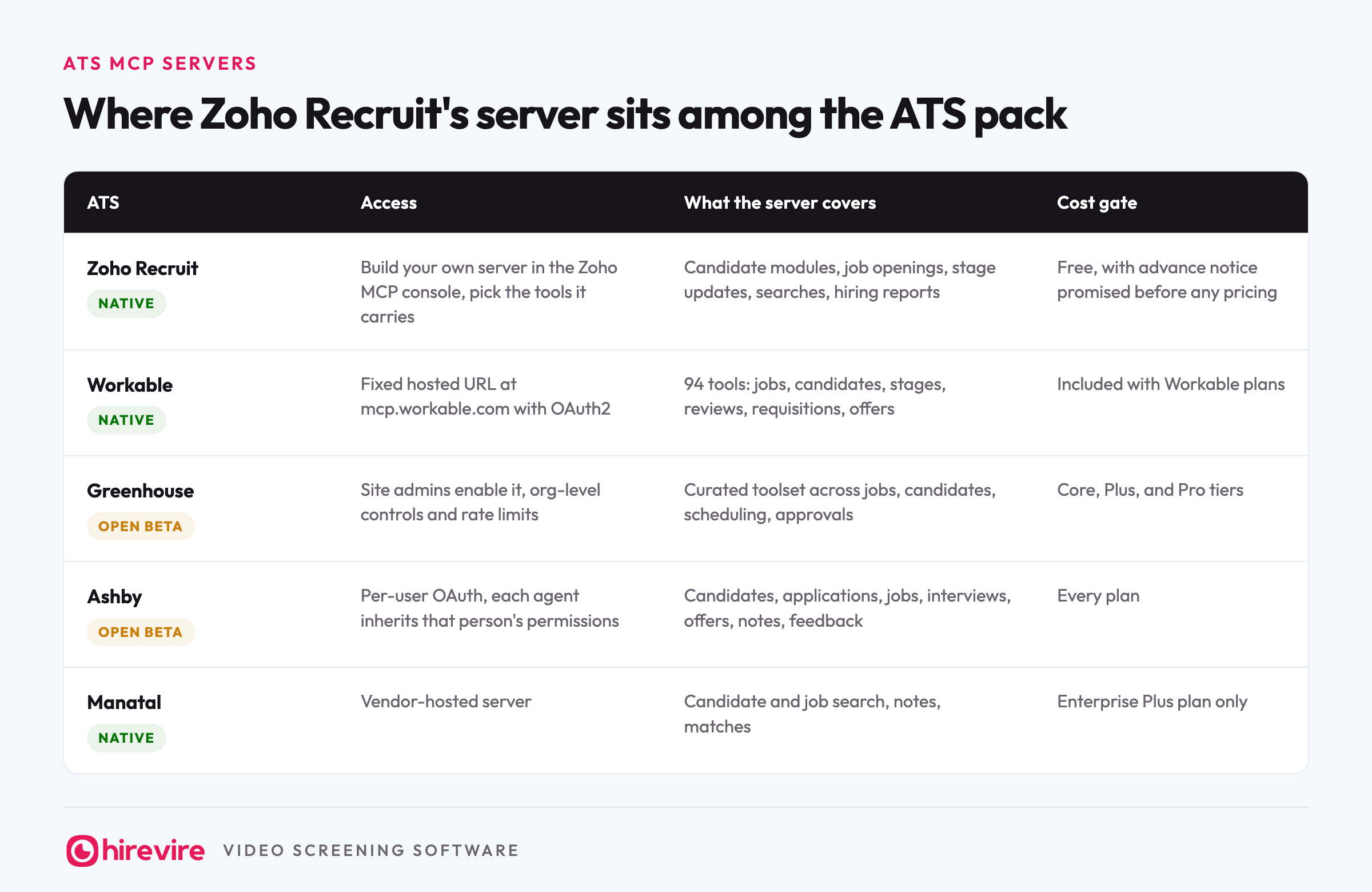
| ATS | MCP status | Access | What the server covers | Cost gate |
|---|---|---|---|---|
| Greenhouse | Native, open beta | Site admins enable scopes in Dev Center, then per-user OAuth | 36 tools: jobs, candidates, stages, scheduling, scorecards, approvals | Core, Plus, and Pro tiers |
| Workable | Native | Fixed hosted URL at mcp.workable.com with OAuth2 | 94 tools: jobs, candidates, stages, reviews, requisitions, offers | Included with Workable plans |
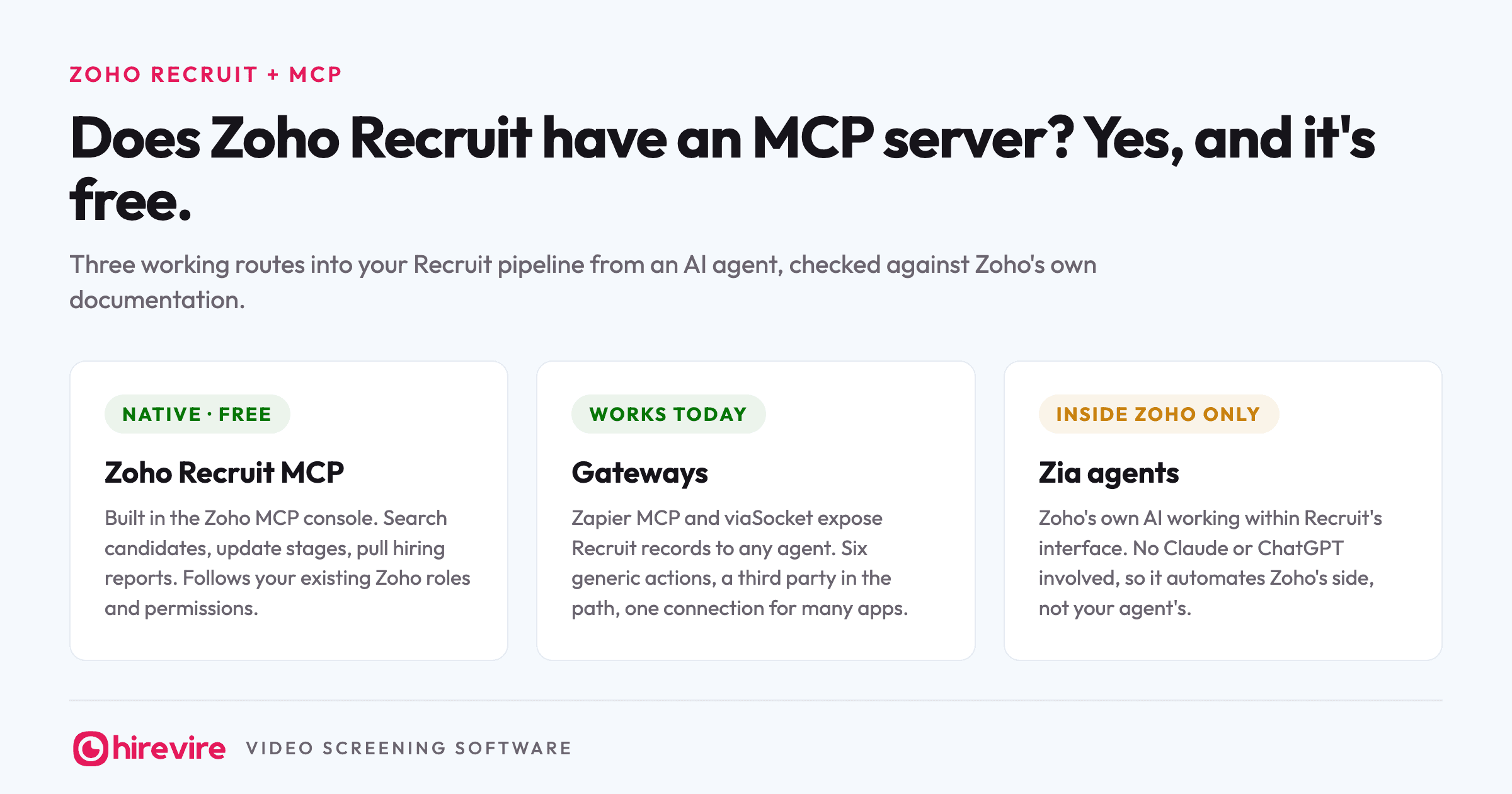
| Zoho Recruit | Native | Build your own server in the Zoho MCP console, pick the tools it carries | Candidate modules, job openings, stage updates, searches, hiring reports | Free, with advance notice promised before any pricing |
| Ashby | Native, open beta | Per-user OAuth, each agent inherits that person's permissions | Candidates, applications, jobs, interviews, offers, notes, feedback | Every plan |
| Manatal | Native | Vendor-hosted server | Candidate and job search, notes, matches | Enterprise Plus plan only |
Workable wins on breadth, Zoho Recruit on price and composability, Ashby on simplicity, and Greenhouse on control: it is the only one of the five where an organization decides which tool categories exist before any individual connects. The full picture across 22 HR tools, including HRIS, payroll, and screening, is in our monthly MCP table.
The stage none of these tools reach
Read back through the six tool groups. Jobs, applications, schedules, scorecards, approvals, reports. Scorecards are the closest Greenhouse gets to evaluation, and look at when they exist: after an interviewer has already spent an hour with the candidate. Everything the server holds describes people who made it far enough to cost your team time.
Screening 400 applicants for a support role means going through what 400 people said in answer to the same five questions and deciding which forty deserve that hour. The Greenhouse MCP can tell your agent that 400 people applied, move number 214 to the interview stage, and book the panel. It cannot tell the agent what number 214 said, because Greenhouse never held the recording, the transcript, or the score. Those live in whatever tool ran the screening.
Running Greenhouse and screening in one agent
The fix is not a 37th tool. It is a second server in the same chat.
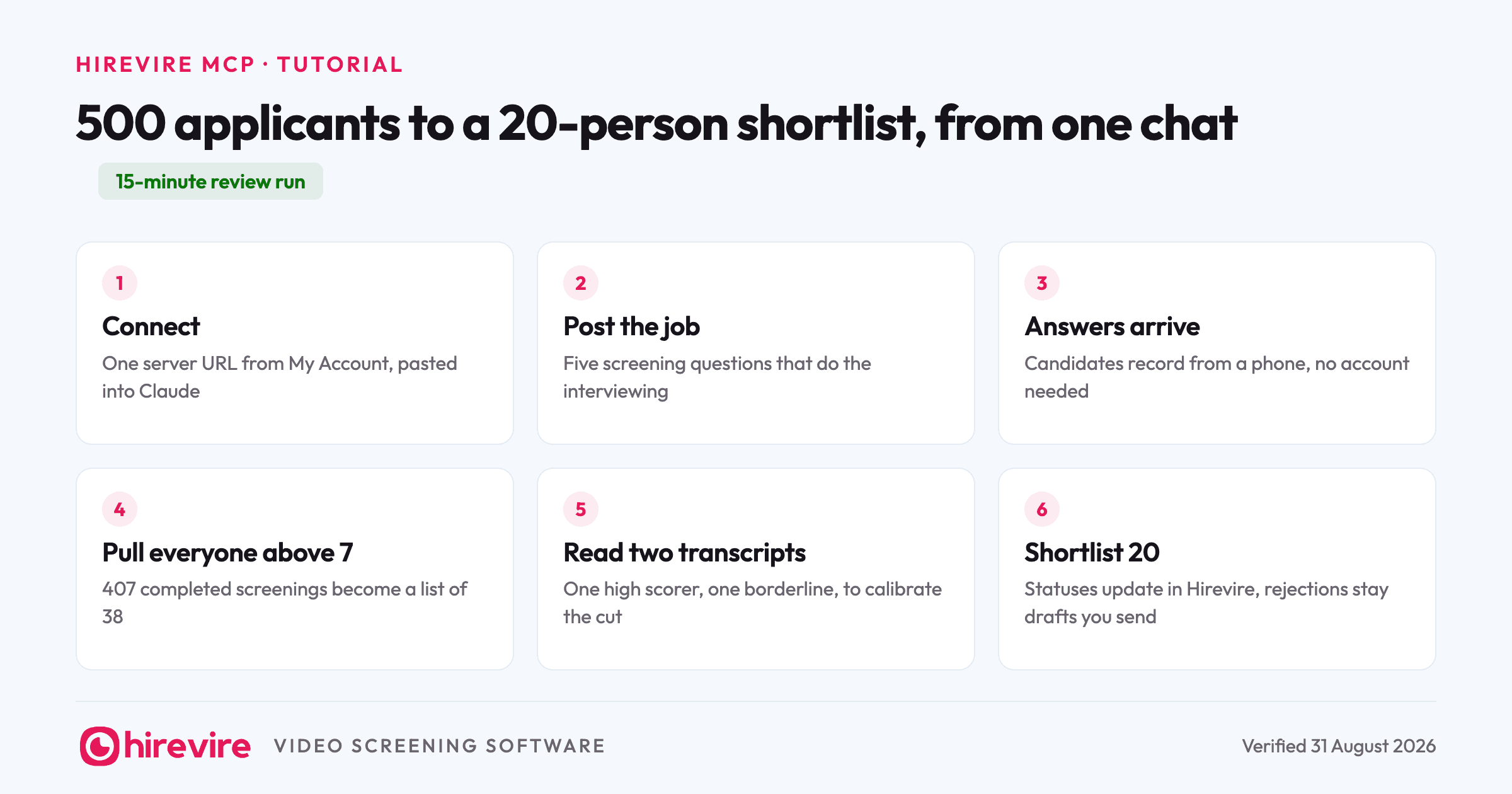
Hirevire runs its own MCP server for the screening half. You copy the URL from My Account, Integrations, paste it into the same Claude workspace as your Greenhouse connection, sign in, and choose read-only or read and write. One agent then answers both kinds of question: Greenhouse answers "who is in the pipeline for the support role", Hirevire answers "which of them handled the angry-customer question well", and you read the two best transcripts before anyone books an hour.
A two-server run in practice: "Pull this week's applicants for the support role from Greenhouse" reads the ATS. "Show me their Hirevire screening scores and flag anyone above 7" reads the screening server. "Move the flagged ones to the phone screen stage and schedule them" writes back through Greenhouse's scheduling tools. Three asks, one chat window, and both servers enforcing their own permissions the whole way. Screening results can also flow into your ATS through Zapier or Make, so Greenhouse stays the pipeline of record.
Frequently asked questions
The basics
Does Greenhouse have an MCP server?
Yes. Greenhouse launched its MCP in May 2026 and it is in open beta as of August 2026, exposing 36 tools at mcp.greenhouse.io/mcp for organizations on the Core, Plus, and Pro tiers. Site Admins control which scopes are available, and each user connects with their own Greenhouse account.
What does open beta mean for the Greenhouse MCP?
The server is publicly available to eligible customers, but the tool list and behavior can still change between releases. That matters if you script automated workflows against it, and matters much less if recruiters are typing questions into a chat window.
Setup and cost
How do I connect Greenhouse to Claude?
A Site Admin first enables scopes under Dev Center, then MCP Access. After that, add https://mcp.greenhouse.io/mcp as a custom connector in Claude and sign in with your Greenhouse account in the browser window that opens. Claude Code connects the same way from the terminal.
What does the Greenhouse MCP cost?
Greenhouse lists no separate price for it. It is available on the Core, Plus, and Pro subscription tiers as part of the open beta, so if you are on one of those tiers the cost of trying it is an admin's ten minutes.
Which AI tools work with the Greenhouse MCP?
Claude, ChatGPT, and Claude Code have documented setup steps. Greenhouse also states it works with Amazon Q, Copilot Studio, Glean, Grok, and any client that supports OAuth 2.0 with PKCE and Dynamic Client Registration.
Limits and safety
Can the Greenhouse MCP write to my pipeline?
Yes, if the admin enables the write scopes: agents can move applications between stages, schedule and reschedule interviews, and update jobs. Organizations that want answers without actions can enable read scopes only, and every request is still limited by the signed-in user's own Greenhouse permissions.
What can the Greenhouse MCP not do?
Screen candidates. Its 36 tools cover jobs, applications, schedules, scorecards, and approvals, but what an applicant said before the first interview never enters Greenhouse, so no scope can hand it to an agent. That content sits in the screening tool, which needs its own server.
The short version
Greenhouse built the ATS server that security teams will approve: 36 tools in open beta, a public URL, and a two-check governance model where admins set the ceiling and user permissions apply underneath. On Core, Plus, or Pro it costs nothing extra to enable, and read-only scopes make the first experiment safe. What no scope covers is what applicants said during screening, because Greenhouse never stores it. If that is the half of hiring you wanted to hand to an agent, Hirevire's MCP server connects with one URL and a sign-in, and sits beside Greenhouse's rather than replacing it. The monthly status of every HR tool's server is in our MCP table.
Last verified: 25 August 2026.