How to Screen 500 Applicants from Claude
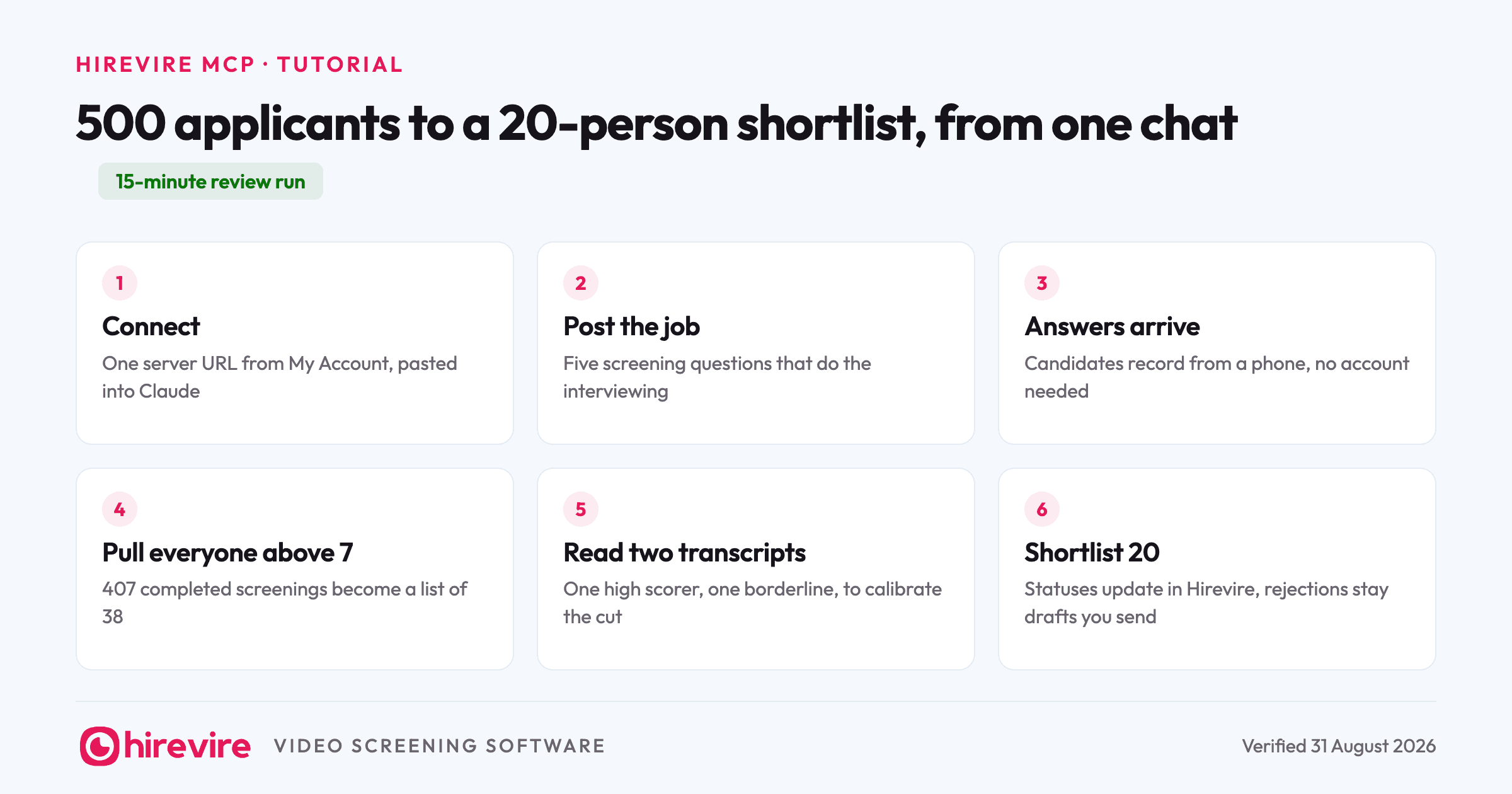
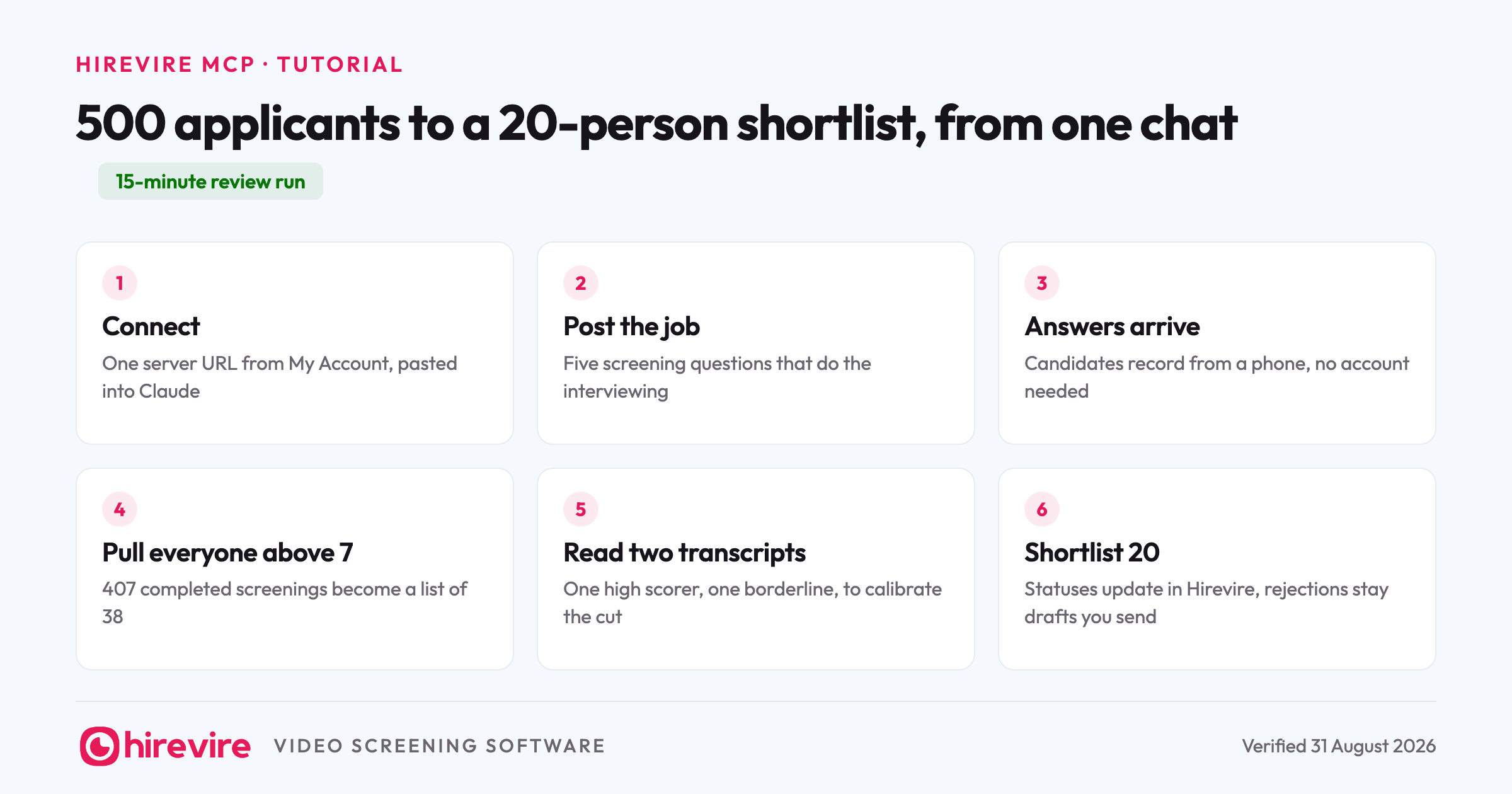
You posted a customer support role on Tuesday. By Friday there are 500 applications, most with no resume worth reading, and your calendar has no room for 500 phone screens. This walkthrough shows the whole screening pass running from a Claude chat instead: post the job with five questions through the Hirevire MCP, let applicants answer on video, then pull scores, read the transcripts that matter, and end with a shortlist of 20. The review run itself takes about 15 minutes. Every prompt below is copyable.
Last verified: 31 August 2026. The connection steps, permissions, and plan limits below were checked against Hirevire's product and pricing pages on that date.
What you need before the run
| Piece | What it is | Notes |
|---|---|---|
| A Hirevire account | The screening side: jobs, questions, video answers, scores | The MCP is included on every plan, starting at 1 active job |
| An MCP client | Claude in this walkthrough | ChatGPT and any other MCP client connect the same way |
| Your server URL | Copied from My Account, Integrations inside Hirevire | This is the only setup artifact you need |
| Read & write access | Chosen during the OAuth sign-in | Read only works for steps 4 and 5, but not for posting the job or shortlisting |
Step 1: Connect Hirevire to Claude
In Hirevire, open My Account, then Integrations, and copy your MCP server URL. In Claude, add it as a custom connector and a browser window opens to sign you in. Two choices during that sign-in decide everything that follows: which organisation the agent can reach, and whether it gets Read only or Read & write. Pick Read & write for this run, because posting a job and moving people to shortlisted are both writes.
The permissions you already have in Hirevire carry over. An agent authorized by a recruiter who cannot see the engineering roles cannot see them either, and you can cut the connection at any time under My Account, Integrations, Connected Clients.
Once connected, ask something harmless to confirm it works:
What jobs do I have on Hirevire right now, and how many applications does each one have?
If Claude answers with your actual roles and counts, the pipe is live.
Step 2: Create the job with five screening questions
This is where async screening earns its keep: the questions do the interviewing for you, so they deserve more thought than the job description. For a support role, questions that surface how someone actually handles customers beat questions about their career goals.
Create a job on Hirevire titled "Customer Support Specialist (Remote, EU hours)" with this description: [paste your JD]. Add five screening questions:
1. A customer is angry about a delay that wasn't your fault. Video answer: what do you say in the first 30 seconds?
2. Type the exact reply you'd send to a customer asking for a refund we can't give.
3. Video answer: walk us through a support tool you know well and what you used it for.
4. What days and hours can you reliably work? Text answer.
5. Video answer: tell us about a time you turned an unhappy customer around.
Claude creates the role and returns the application link. Question 2 matters as much as the video ones: support is a writing job half the time, and a typed answer shows you the actual sentences a candidate produces under no pressure.
Each of the five earns its slot. Question 1 shows composure and first instincts, which no resume line about "conflict resolution" ever will. Question 2 is a work sample you can grade against the reply your best agent would send. Question 3 separates people who used a helpdesk daily from people who watched someone else use one. Question 4 kills the most common bad hire in support, the person whose availability never matched the shift. Question 5 checks whether they think in terms of outcomes for the customer or grievances about the customer. Five questions, five different failure modes covered, and none of them answerable by pasting from a template.
Before the applications arrive, set the scorecard: the weighted factors you want each answer graded against, so Hirevire scores every response with written feedback rather than a bare number. Weight the refund reply and the angry-customer answer heaviest. The scorecard is the standard your shortlist inherits, so ten minutes here buys back hours later.
One honest note here: your plan's active job limit still applies. The agent cannot create a sixth active job on a five-job plan, and it will tell you so rather than silently failing.
Step 3: Let applications arrive
Share the application link wherever the role is posted. Applicants answer from their phone or laptop without creating an account or downloading anything, which is why completion holds up even for retail and support roles where candidates apply from a bus.
This step is the one part of the loop that takes days rather than minutes, and the agent has nothing to do during it. If your pipeline lives in an ATS, Hirevire's native integrations with Ashby, Manatal, and others can trigger the screening invite automatically when a candidate hits a stage.
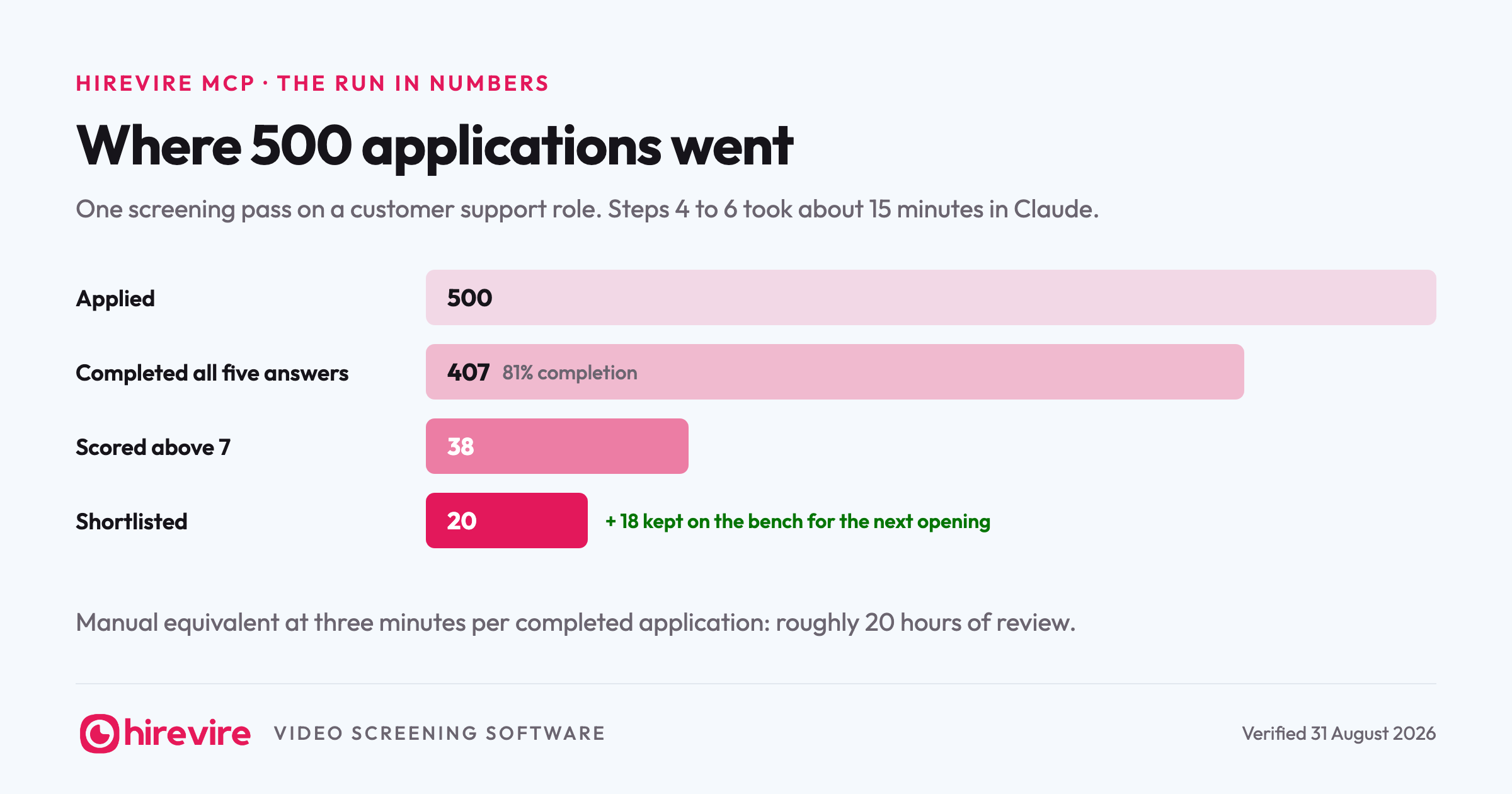
For this walkthrough: 500 people applied, and by the following Friday 407 had completed all five questions. A completion rate around 80 percent is healthy for a volume role; if yours lands far below that, the usual culprits are too many questions, thinking time set too tight, or a job ad that never mentioned a recorded step was coming. The 93 who dropped off also told you something useful at zero cost: they were not going to survive week one of a job that is mostly writing to strangers.
Now the 15 minutes start. Worth naming what they replace: at three minutes of skim per application, 407 completed screenings is roughly 20 hours of review, which is why this stage usually gets done badly or not at all.
Step 4: Pull everyone above 7
Hirevire scores answers against your scorecards as they come in, so by the time you sit down, the sorting is already done. Ask for the top of the pile:
Show me every completed application for the Customer Support Specialist role with a score above 7. For each one, give me the name, overall score, and a one-line summary of their answer to the refund question.
In our support scenario that returns 38 people out of 407. That single prompt replaces the part of screening that eats afternoons: opening applications one by one to find out which ones deserve attention. You have not watched a video yet, and 369 applications are already out of contention.
Push one level deeper before trusting the cut:
From those 38, who mentioned hands-on experience with a helpdesk tool in question 3? Group them by tool.
Step 5: Read two transcripts before trusting the scores
Scores rank the pile, but you should still calibrate them against your own judgment before acting on them. Pick one high scorer and one borderline case:
Give me the full transcript of the highest scorer's answers, and then the transcript of someone who scored exactly 7. I want to see what the difference looks like.
Read both. If the 9 genuinely reads better than the 7, the scorecard matches your bar and you can act on the ranking. If it does not, tighten the scorecard criteria before the next role rather than distrusting every number. In our scenario, the difference was visible in the refund answer: the high scorer wrote a reply you could paste into Zendesk unedited, the 7 wrote something serviceable but stiff.
Step 6: Shortlist the top 20 and draft the rejections
Now the write half:
Move the top 20 scorers on the Customer Support Specialist role to shortlisted. Then draft a short, warm rejection message I can send to everyone who completed screening but didn't make it: thank them for recording answers, be specific that we went with candidates with more helpdesk experience, and keep it under 90 words.
The shortlist update happens in Hirevire directly, so anyone else on your team sees the same 20 people when they open the role. The rejection is a draft in your chat: you read it, adjust the tone, and send it through your usual channel. The agent moving candidates between statuses is useful automation. The agent sending 387 rejections unsupervised is not something we would turn on for you even if you asked nicely.
Total agent time across steps 4 to 6: about 15 minutes, most of it spent reading the two transcripts.
Three snags and their fixes
The run above went cleanly. These are the three places real runs stumble.
The agent cannot see the job. Almost always the organisation choice from step 1: you authorized one organisation at sign-in and the role lives in another. Disconnect under My Account, Integrations, Connected Clients, reconnect, and pick the right one. The same fix applies when a teammate created the role in a workspace your account cannot see, except then the missing permission is yours, not the agent's.
The scores disagree with your gut. Do not silently start ignoring the numbers; that puts you back to reviewing 407 applications by hand. Pull three or four transcripts around the cut line and find what the scorecard is rewarding that you are not, or missing that you care about. Then edit the weights and criteria. The score is your rubric applied consistently, so fix the rubric, not your trust in consistency.
More qualified people than slots. Our scenario returned 38 above the threshold for 20 slots, and the middle of that band is where a wrong cut happens. Instead of guessing between number 18 and number 24, send the borderline group a follow-up question from their application, something the role decides on, like a second refund scenario with a harder constraint. Hirevire collects the answers async, and the next agent prompt ranks a band that now has one more data point.
What we kept human, and why
Three things stayed manual on purpose. Reading the borderline transcript, because a scorecard is a ranking tool and hiring decisions need at least one calibration check per role. Sending the rejections, because they go out under your name. And the final 20-to-5 cut before live interviews, because at that stage you are choosing colleagues, and that call was never the screening tool's to make.
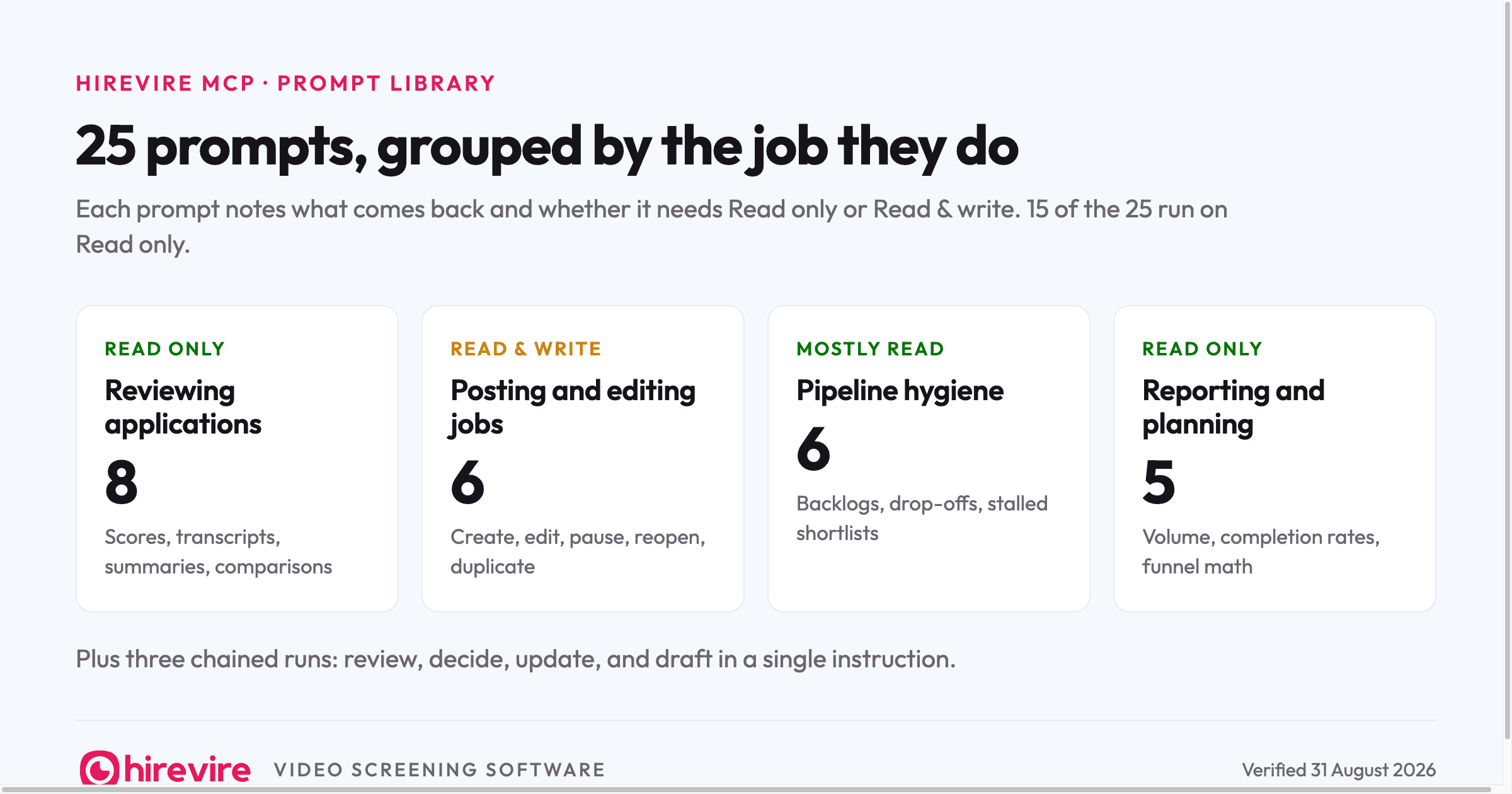
Everything else, the part that used to be 500 open tabs, went through the chat window. If you want more prompts than this run used, we keep 25 of them, grouped by job.
Frequently asked questions
Setup
Which AI tools work with the Hirevire MCP?
Claude and ChatGPT both connect through the standard custom connector flow, and any MCP-compatible client works the same way: paste the server URL from My Account, Integrations, then sign in. This walkthrough used Claude.
Which Hirevire plans include the MCP?
All of them. Essentials, Professional, and Agency all include the MCP connection; the plans differ in active job count (1, 5, and 20) and monthly interview volume, and those limits apply to the agent exactly as they apply to you.
Safety
Is write access safe to enable?
Write access lets the agent create and edit jobs and move candidates between statuses, always within the permissions of the account that authorized it. It cannot exceed your plan limits or reach organisations you did not select at sign-in. If you want answers without actions, connect with Read only and the agent can still do steps 4 and 5 of this walkthrough.
Can the agent reject candidates automatically?
It can draft rejection messages and update candidate statuses, but sending messages to candidates stays with you. In practice that is the right boundary: the agent removes the sorting work, and a human owns everything a candidate actually receives.
Can the agent watch the videos?
No, and it does not need to. The agent works from what Hirevire already produced for every answer: the transcript, the score against your scorecard, and the written feedback. When tone and delivery matter, and for a support hire they do, you open the shortlisted candidates in Hirevire and watch exactly those videos. The agent's job was making sure those were the only ones you had to watch.
Candidates
Do applicants need an account to answer the screening questions?
No. Candidates open the link and record from a phone or laptop browser, with no login and no app install. That is a large part of why completion rates survive contact with a 500-applicant pipeline.
What happens to the 18 people who scored above 7 but missed the top 20?
Nothing bad, if you act on purpose. Ask the agent to list them with a one-line note each, and keep the list against the next opening; a support team that hired 20 people usually needs 5 more within a quarter. They already answered your questions, so the next run starts with a warm bench instead of a job board.
The short version
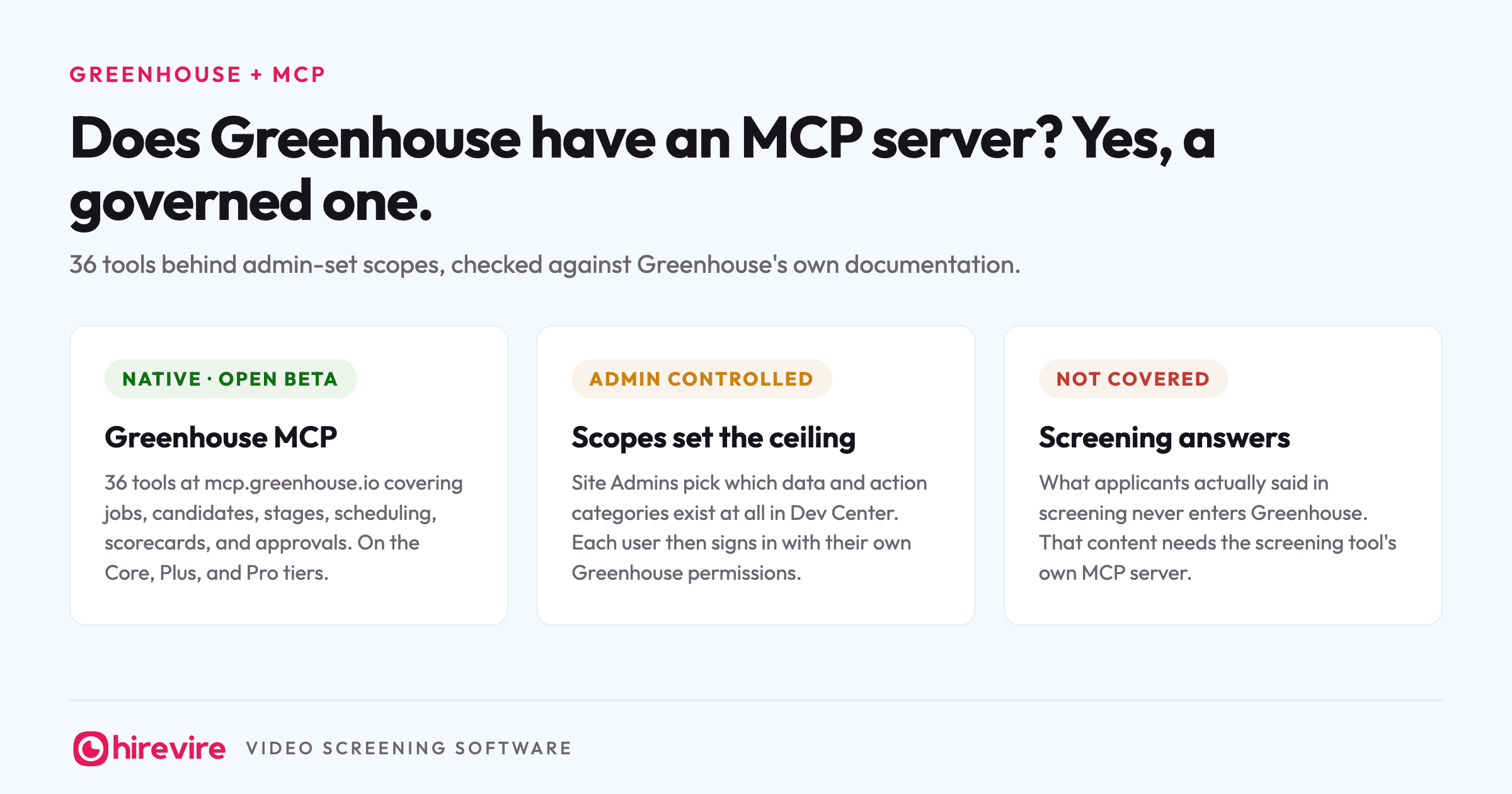
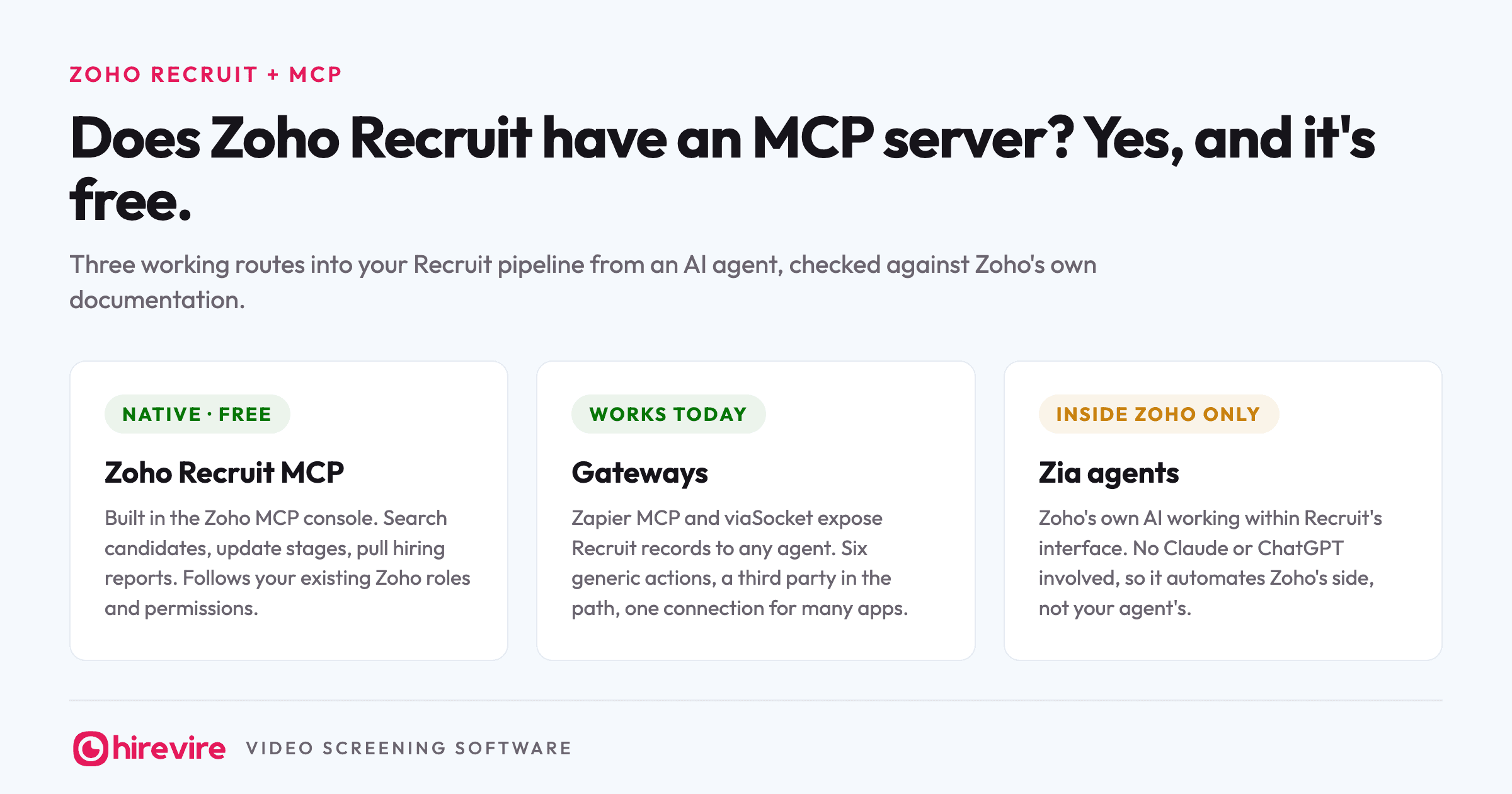
Screening 500 applicants from Claude is a real workflow today, and this page is the run: connect the Hirevire MCP with one URL, post the role with five questions that do the interviewing, then use three or four prompts to go from 407 completed screenings to 20 shortlisted people in about 15 minutes. Scores sort the pile, transcripts let you verify the sort, and the writes happen in Hirevire where your team can see them. What stays human is exactly what should: calibration, rejections, and the final call. For the full picture of which HR tools can join this kind of workflow, our monthly MCP table tracks every server, and the MCP for HR guide covers the concepts behind it.
Last verified: 31 August 2026.