Manatal MCP: Pairing an AI-Native ATS with Agent Screening
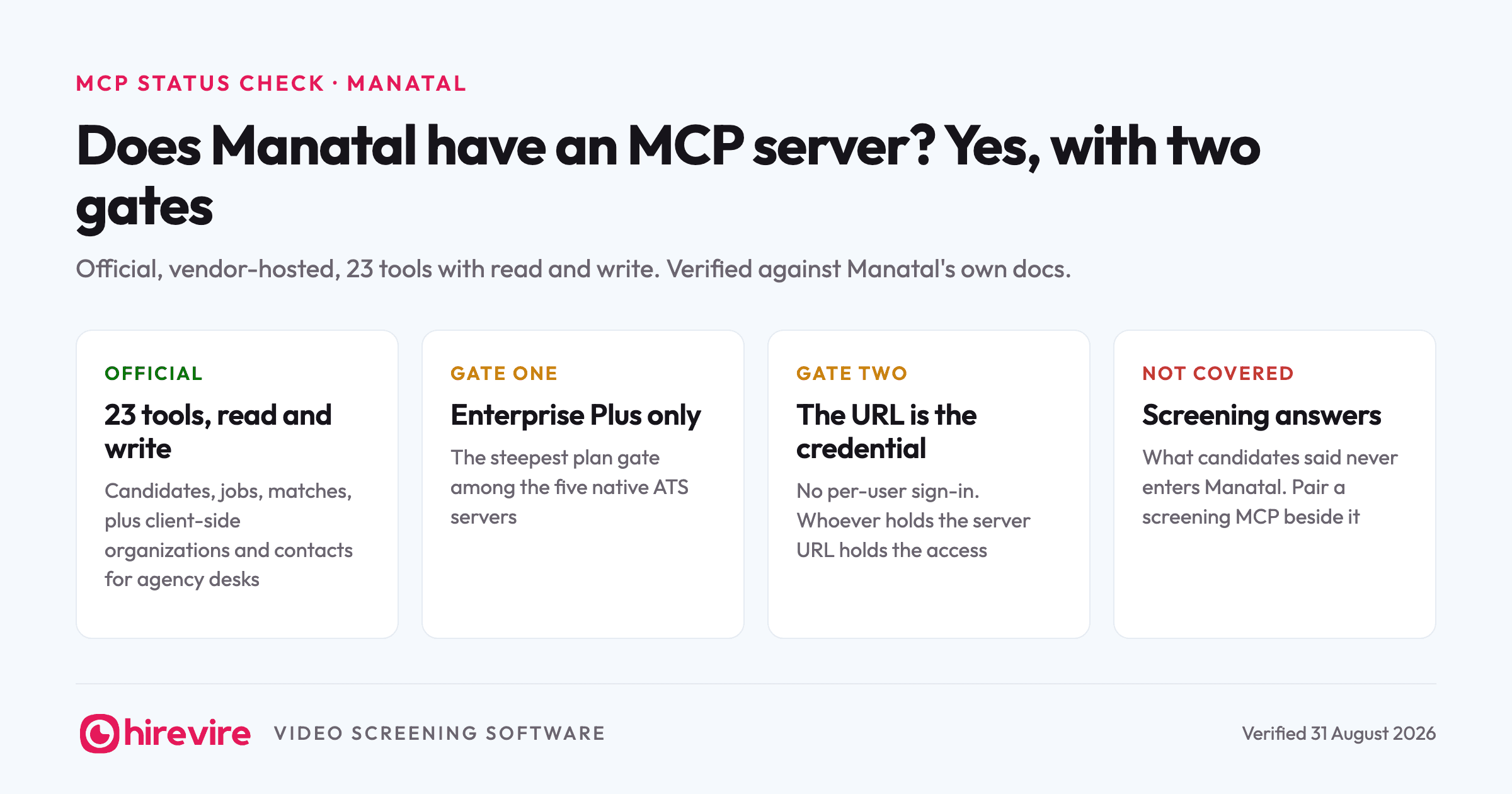
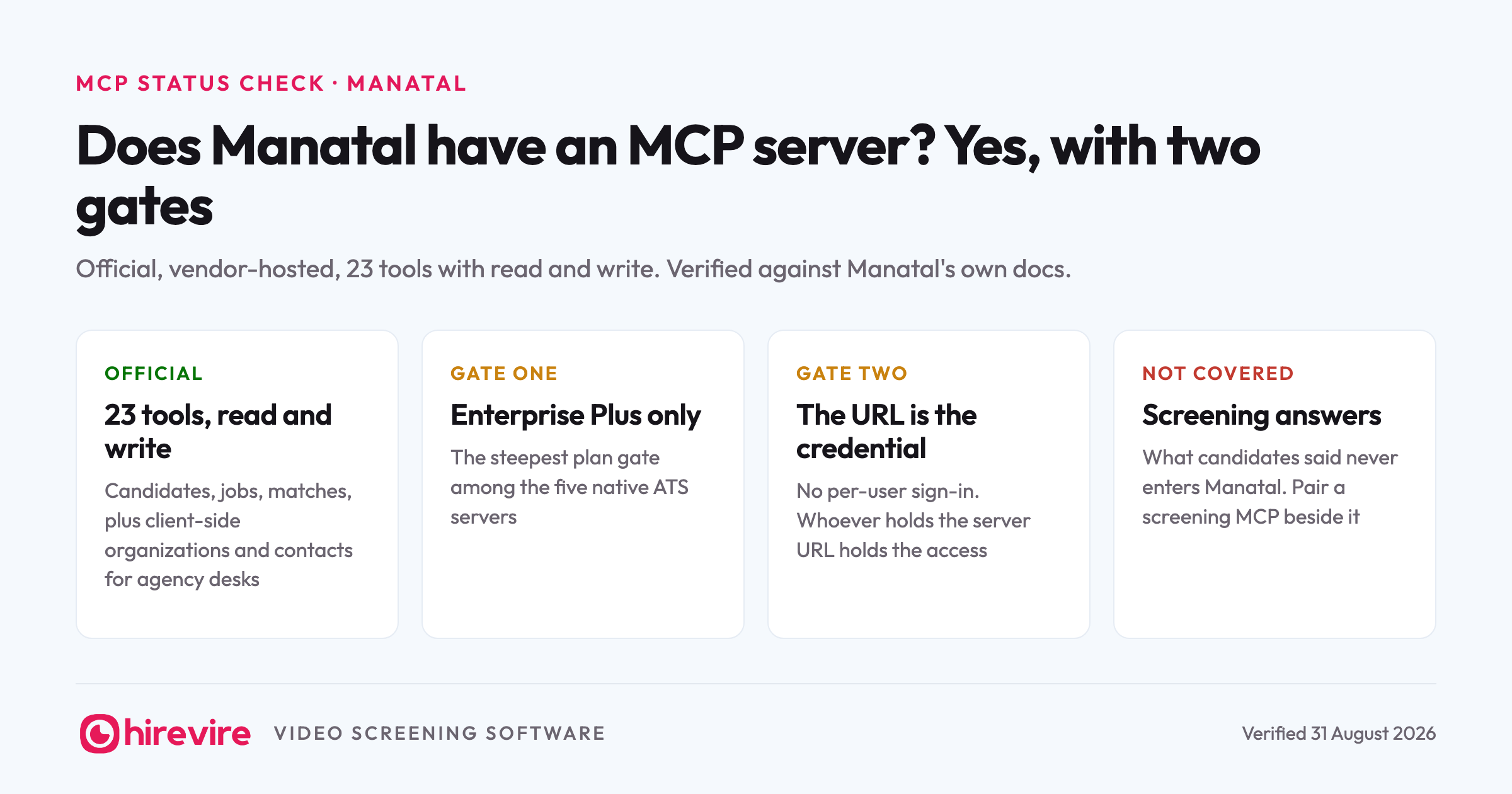
Manatal has an official MCP server, and it is one of the more complete ATS servers shipping today: 23 tools with read and write access across candidates, jobs, matches, organizations, and contacts. Two things decide whether it is available to you. It requires the Enterprise Plus plan, and it authenticates with a unique server URL rather than a per-user sign-in, which changes how carefully that URL needs to be handled. Both are covered below, along with the pairing that makes an AI-native ATS genuinely agent-driven: Manatal for the pipeline, a screening server beside it for what candidates actually said.
Last verified: 31 August 2026. Checked against Manatal's MCP documentation on that date.
Key takeaways
| The piece | The state of it | What it means for you |
|---|---|---|
| Manatal MCP (native) | Official, vendor-hosted, 23 tools, read and write | A real server maintained by Manatal, not a community wrapper |
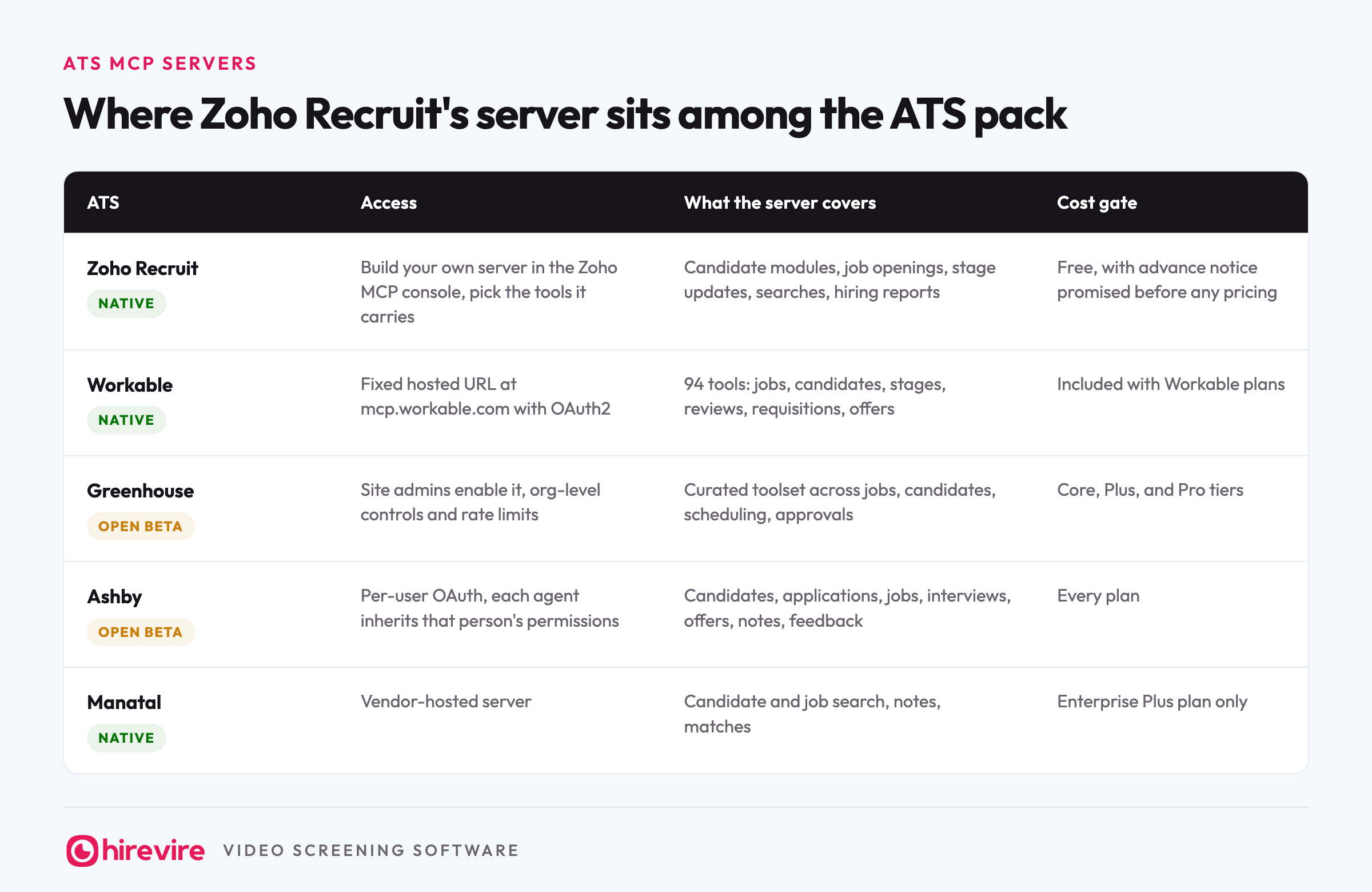
| Plan gate | Enterprise Plus subscription required | The steepest access gate among the five native ATS servers |
| Authentication | A unique server URL that acts as the credential | Simple to set up, and worth treating exactly like a password |
| Hirevire MCP alongside | Video answers, transcripts, and scores next to Manatal's records | Covers the screening stage no Manatal tool reaches |
The official answer
Yes, Manatal runs an official MCP server, available through its Integration Marketplace to customers on the Enterprise Plus plan. Claude is the recommended client in Manatal's own docs, with ChatGPT supported experimentally, plus Gemini CLI and Microsoft Copilot Studio. Other MCP clients should work but sit outside what Manatal has tested. Core features are live, some advanced capabilities are still in development, and the server inherits the standard API rate limit of 100 requests per minute.
That puts Manatal in the small group of ATSs running vendor-maintained servers, alongside Greenhouse, Workable, Zoho Recruit, and Ashby. The full comparison sits in our Greenhouse MCP review, and the status of all 22 HR tools we track is in the monthly MCP table.
What the 23 tools cover
| Group | What the tools do |
|---|---|
| Candidates | Search and filter, view profiles with education and work history, add candidates, manage notes |
| Jobs | Search open roles, create positions, view details, manage notes |
| Matches | View candidate-to-job connections and their progress, create new matches |
| Organizations | Search client companies, add new ones, manage notes |
| Contacts | Search people at client companies, manage notes |
Read the last two rows again if you run an agency: organizations and contacts are client-side records, which makes this one of the few ATS servers where an agent can work the sales half of a recruiting desk, not only the candidate half. "Which contacts at our retail clients have open roles we haven't matched anyone to?" is answerable here and on almost no other server.
The writes are real writes. An agent can add a candidate it just discussed with you, create the match to a role, and leave a note explaining why, which turns a sourcing conversation in Claude into records in Manatal without a copy-paste step.
Connecting it, step by step
- In Manatal, open the Integration Marketplace and generate your unique MCP server URL. This needs the Enterprise Plus plan.
- Add that URL to Claude as a custom connector. There is no sign-in screen after; the URL itself is the credential.
- Confirm the pipe with a harmless read: "How many open jobs do we have in Manatal, and which got applications this week?"
- Decide, before anyone else uses it, who holds the URL and where it is stored. The next section is why that step is not optional.
Manatal's own documentation walks through the client-specific screens. Claude is its recommended client; ChatGPT is supported experimentally, with Gemini CLI and Microsoft Copilot Studio also documented.
The URL is the password
Connection is simple: generate your unique MCP server URL in Manatal's Integration Marketplace and paste it into your client. There is no per-user OAuth step. Manatal's docs say it plainly: treat the URL like a password and do not share it outside your organization.
The practical consequences of URL-based auth are worth spelling out, because they differ from the per-user model Ashby and Greenhouse use. Anyone holding the URL holds the access, so it does not belong in a shared doc, a team wiki, or a screenshot. Every action runs under that one credential, whichever teammate typed the prompt. And if the URL leaks, rotating it is the fix, so know where that regeneration lives before you need it. All of that is workable; it just needs an explicit decision about who holds the URL, made the same way you decide who holds the admin password.
What an agent can run once it's connected
Concrete asks, split by the two desks a Manatal agency runs.
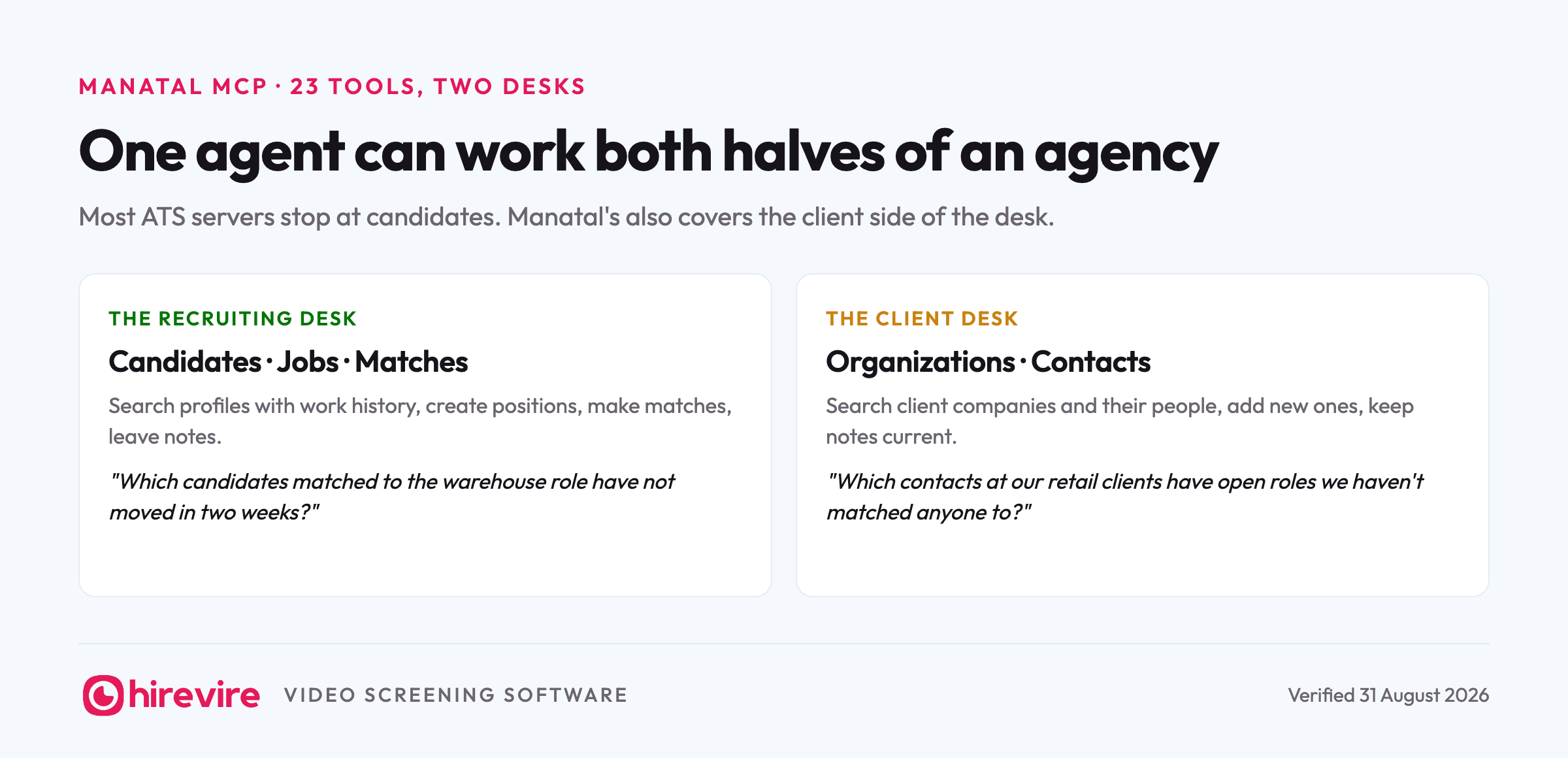
The recruiting desk:
- "Search candidates with retail supervisor experience in Jakarta and show me their work history."
- "Which candidates matched to the warehouse role have not moved in two weeks? Add a note on each that I'm reviewing them Friday."
- "Add the candidate we just discussed: here is her background. Match her to the client's account manager role with a note on why."
The client desk, which almost no other ATS server can work:
- "List our client organizations with open roles and no new matches this month."
- "Find the contacts at our two retail clients and summarize the notes on each from the last quarter."
- "Add the new logistics company as an organization, with the ops director as a contact."
Two practical notes. Bulk asks land against the standard 100 requests per minute limit, so "review all 800 candidates" style sweeps will pace themselves; a working session in chat never notices. And Manatal flags some advanced capabilities as still in development, so if a specific tool matters to your workflow, test it during the trial week rather than assuming.
What Manatal's server doesn't hold
Manatal's AI reputation is built on matching: profile enrichment and recommendation scores that rank candidates against a role, and its homepage now leads with an AI Interviewer as well. The MCP hands your agent the records side of all that. What none of its 23 tools hand over is what candidates actually said: the tool list covers profiles, jobs, matches, organizations, contacts, and notes, and nothing in it exposes screening answers, transcripts, or interview responses to your agent. When 300 people apply to a client's support role, the MCP tells you where they worked. It does not tell you who can calmly type a refund refusal, and for high-volume roles that answer is the actual screen.
The two-server stack: Manatal plus screening in one agent
The fix is a second server in the same chat. Hirevire runs an MCP server for the screening half: video answers, transcripts, and scores against your questions. Connect both, and one agent reads both sides of the pipeline.
The two products already talk to each other underneath. Hirevire's native Manatal integration triggers the screening invite when you move a candidate to a chosen Manatal stage, moves them to your completion stage when they finish, and files the interview link into their Manatal profile notes. That plumbing keeps Manatal the system of record while the screening happens in Hirevire.
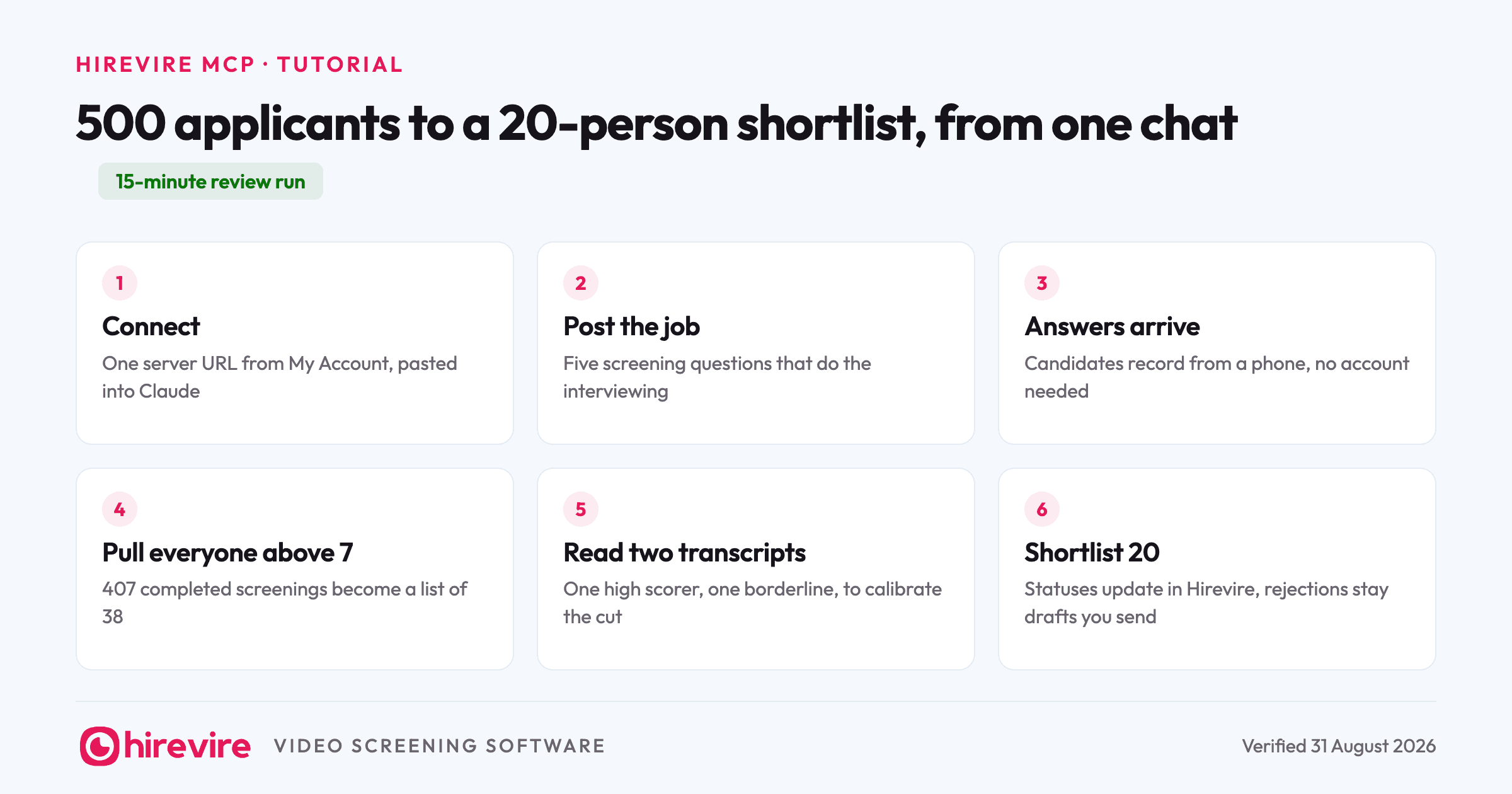
With both servers connected, a Friday review runs like this. "Which candidates moved to the screening stage on the retail client's role this week?" reads Manatal. "Show me their Hirevire scores and summarize the two best transcripts" reads the screening server. "Create matches for the top three and note that screening is complete" writes back to Manatal. One chat, both permission systems enforced, and the client update writes itself from the same thread. A longer worked example of the screening half, from 500 applicants down to a shortlist of 20, is in our Claude screening tutorial.
Frequently asked questions
Does Manatal have an official MCP server?
Yes. Manatal runs a vendor-hosted MCP server with 23 tools covering candidates, jobs, matches, organizations, and contacts, with both read and write actions. It is official and documented, with core features live and some advanced capabilities still in development as of August 2026.
Which Manatal plan includes the MCP server?
Enterprise Plus only. That is the steepest plan gate among the native ATS servers: Ashby's beta spans every plan and Greenhouse covers its three main tiers. If you are on a lower Manatal plan, the server is the newest entry on the list of reasons to price the upgrade.
How do I connect Manatal to Claude?
Generate your unique MCP server URL in Manatal's Integration Marketplace and add it to Claude as a custom connector. There is no separate sign-in step, which is exactly why the URL itself must be guarded: whoever has it, has the access. Claude is Manatal's recommended client; ChatGPT support is experimental.
Which AI clients work with the Manatal MCP?
Claude is the client Manatal recommends and documents first. ChatGPT support is listed as experimental, and Gemini CLI and Microsoft Copilot Studio have documented setups. Other MCP-compliant clients should connect with the same URL but sit outside what Manatal has tested.
Can the Manatal MCP screen candidates?
No. It searches, matches, and manages records, but none of its 23 tools expose screening answers, transcripts, or interview responses to an agent. Pairing it with a screening server like Hirevire's puts what candidates said beside what their profiles claim, in the same conversation.
The short version
Manatal's MCP is official, capable, and gated: 23 read-and-write tools that cover the candidate pipeline and, unusually, the client side of an agency desk, available on Enterprise Plus with URL-based authentication that deserves password-grade handling. Its tools hand an agent everything about who your candidates are and nothing about what they said, so the working stack for high-volume roles is Manatal's server and Hirevire's screening MCP in one agent, with the native integration keeping records flowing between them underneath. For where every other HR tool stands, the monthly MCP table is verified against vendor docs each month.
Last verified: 31 August 2026.