Best Recruiting Automation Software in 2026 (by What It Actually Automates)
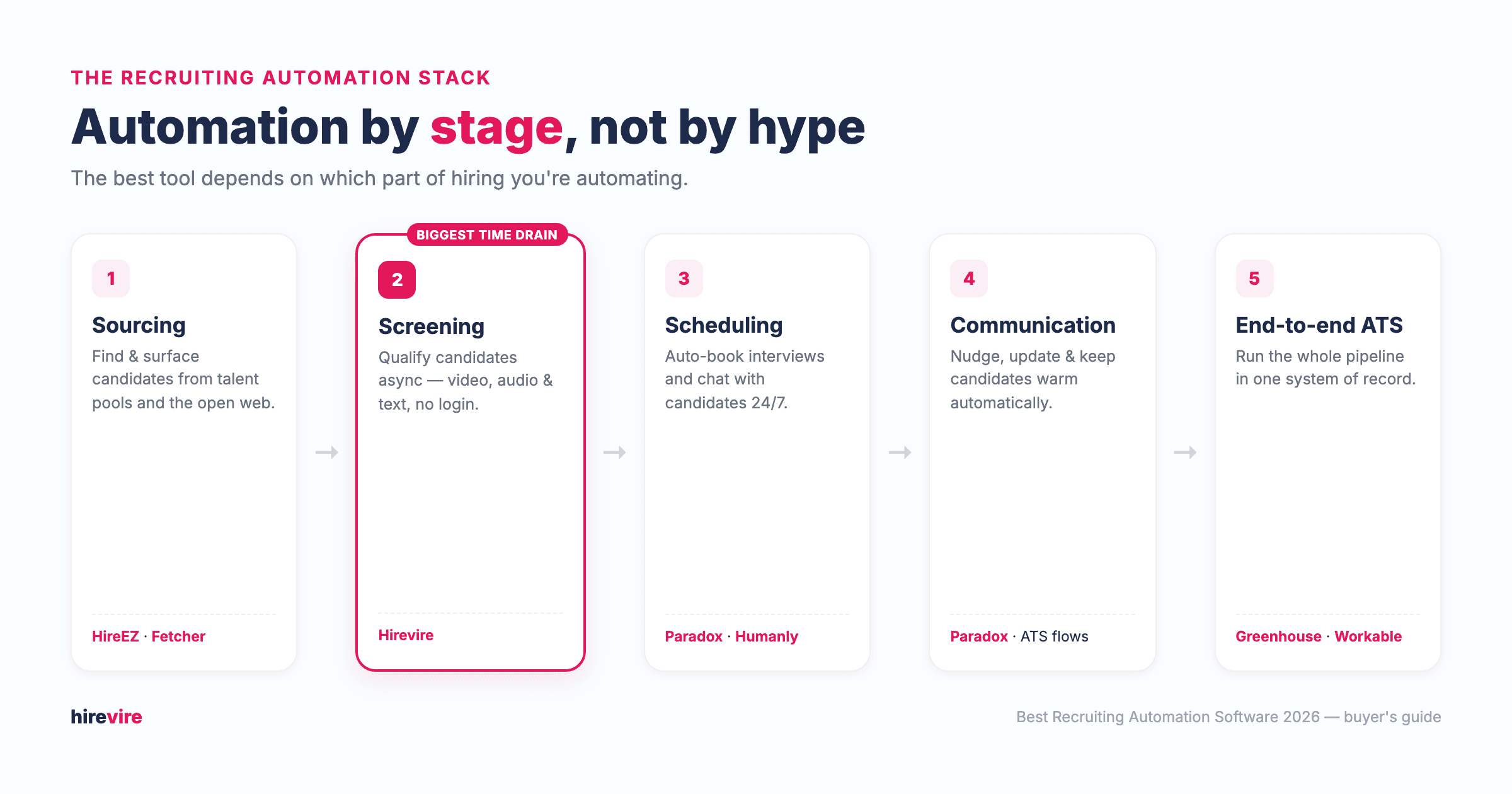
The best recruiting automation software depends on the stage you're automating: sourcing (HireEZ, Fetcher), screening (Hirevire), scheduling and communication (Paradox, Humanly), and full end-to-end pipelines (Greenhouse, Workable). For screening automation — usually the biggest time drain in hiring — Hirevire offers asynchronous, multi-format screening with no candidate login, starting at $39/month.
Most "best recruiting software" lists rank tools as if they all do the same job. They don't. A sourcing engine and an applicant tracking system solve different problems, so comparing them on one leaderboard is meaningless. This guide is organized by what each tool actually automates, so you can match a tool to your real bottleneck instead of buying another dashboard you won't use.
Key takeaways
| Stage you're automating | Best tool | Key strength |
|---|---|---|
| Screening (biggest time drain) | Hirevire | Async video/audio/text screening, no candidate login, from $39/mo |
| Sourcing | HireEZ, Fetcher | AI finds and reaches passive candidates across the open web |
| Scheduling & communication | Paradox, Humanly | Conversational AI books interviews and replies 24/7 |
| End-to-end pipeline (ATS) | Greenhouse, Workable | One system of record for the whole hiring process |
| Video + assessments | HireVue, Spark Hire | Structured interviews and assessments at enterprise scale |
How to choose recruiting automation software (by stage, not hype)
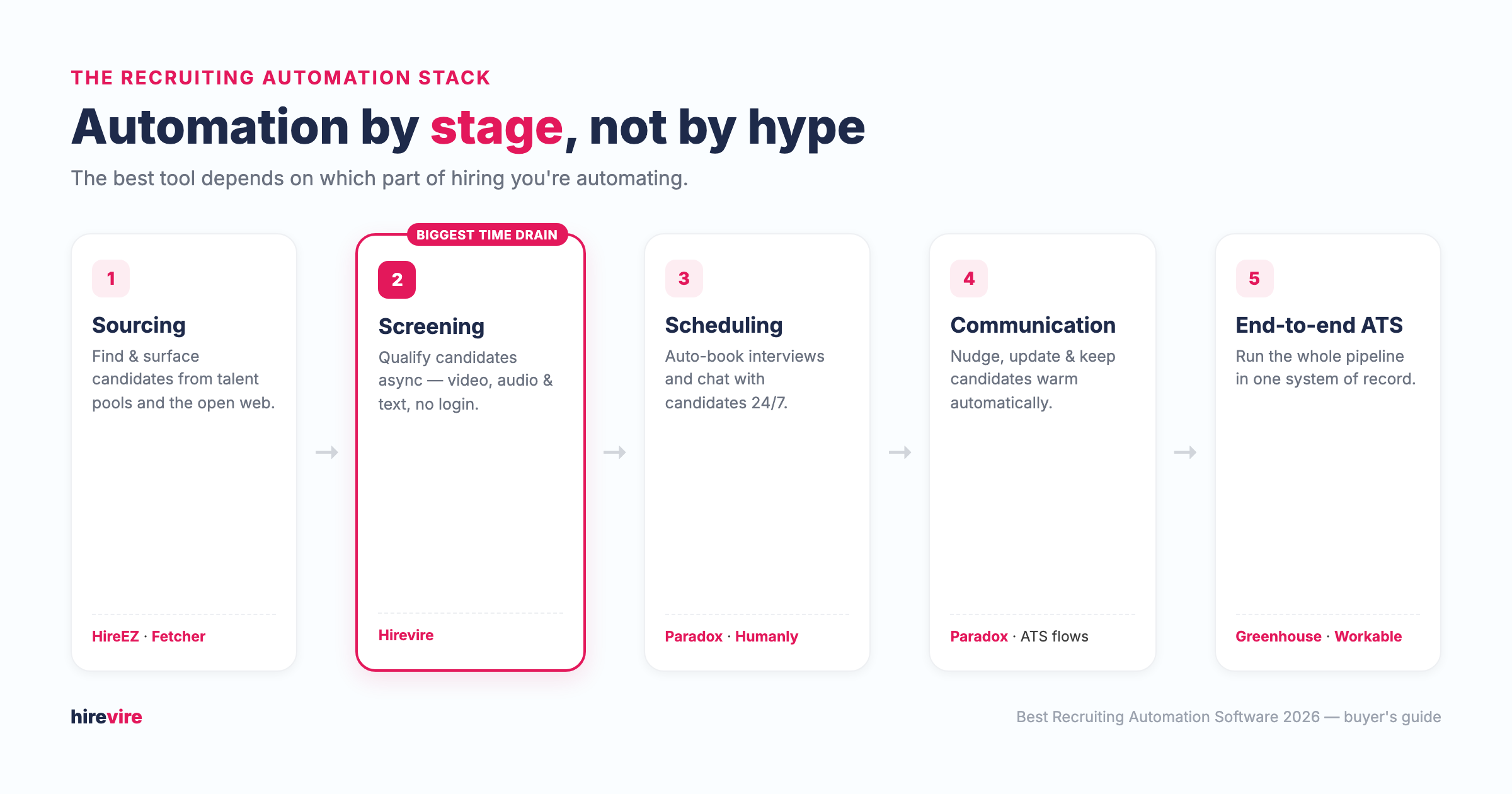
Recruiting automation is not one product category — it's five. Each maps to a different point in the hiring funnel, and the "best" tool is the one that automates the step costing you the most time or money right now.
- Sourcing — finding and surfacing candidates from talent pools and the open web, then reaching out automatically.
- Screening — qualifying applicants before a live interview, using video, audio, text, or assessments.
- Scheduling — booking interviews and coordinating calendars without back-and-forth email.
- Communication — keeping candidates warm with automated updates, nudges, and answers.
- End-to-end (ATS) — running the entire pipeline in one system of record.
Automation adoption is climbing fast. According to LinkedIn's Future of Recruiting 2025 report, 37% of organizations are already integrating or experimenting with generative AI in recruiting — up from 27% a year earlier — and 73% of talent acquisition professionals agree AI will change how they hire. Meanwhile, SHRM's 2025 benchmarking data puts the average cost per hire at $5,475, so automating even one stage well pays back quickly.
For most teams, screening is where the time goes. If you're drowning in applicants, start there. If you can't find enough candidates in the first place, start with sourcing. The decision tree below maps each bottleneck to a tool.
What to look for: 6 evaluation criteria
Use these six criteria to evaluate any recruiting automation tool, regardless of stage. They are the same ones applied to every tool in this guide.
- Stage fit. Does it automate your actual bottleneck, or add a step you don't need? A sourcing tool won't fix a screening backlog.
- Candidate experience. Does automation help candidates (no logins, flexible timing, fast replies) or add friction (long forms, one-way rejection walls)?
- Time-to-value. How fast can you launch? Self-serve tools with transparent pricing get running in days; enterprise suites can take weeks.
- Integrations. Does it connect to your ATS and stack? Point tools that don't sync create double data entry. Hirevire's integrations and its MCP server (see MCP for recruiting) are examples of keeping automation connected.
- Transparency of pricing. Published pricing lets you budget and compare; "contact sales" means a negotiation and, often, a higher floor.
- Fairness and compliance. AI scoring and assessments should be explainable and bias-tested — especially for high-volume or regulated hiring.
Best for screening automation: Hirevire
Screening is the stage most teams should automate first, because it's where recruiters lose the most hours — reviewing resumes and scheduling early calls that go nowhere. Hirevire automates this with asynchronous screening: candidates record video, audio, or screen responses on their own time, and you review a ranked shortlist instead of running dozens of intro calls.
Hirevire
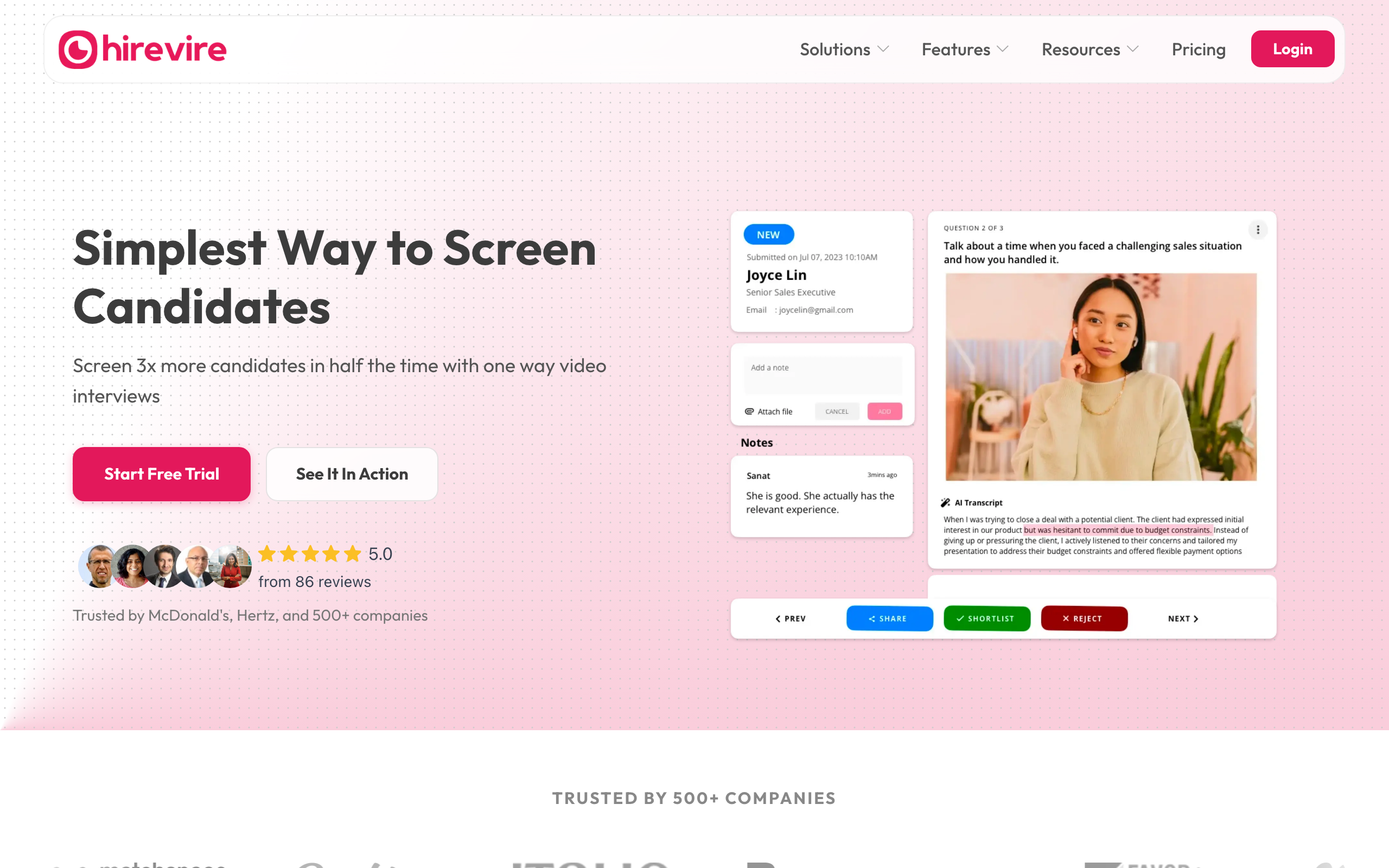
Hirevire is asynchronous video screening software. Candidates answer your questions by recording video, audio, or screen responses — with no account or login required — and Hirevire transcribes and scores them so you can screen at volume before any live interview.
Key features
- Asynchronous video, audio, and screen-recording responses, with no candidate login
- AI transcripts in 90+ languages and AI scorecards against your criteria
- Auto-disqualification of candidates who miss must-have requirements
- Unlimited questions per screening, plus high-volume hiring support
- Branding (logo, colors, custom domain), team collaboration, and shareable review links
Pros
- Fastest way to remove the scheduling bottleneck from early screening
- Genuinely candidate-friendly — no login, answer anytime, on any device
- Transparent, low entry price versus enterprise video suites
Cons
- Focused on screening, so you'll pair it with an ATS for full pipeline tracking
- Some reviewers want deeper answer-level analytics and more integrations
Pricing: Essentials $39/mo (1 job, 300 interviews/yr), Professional $99/mo (5 jobs, career page + custom domain), Agency $199/mo (20 jobs, multi-org). Billed annually; 7-day free trial, no credit card. See Hirevire pricing.
User reviews: 5.0/5 on Capterra (26 reviews), with category scores of 5.0 for ease of use and 5.0 for value for money, as of July 2026.
Best for: Solo recruiters through agencies who want affordable, easy async screening to filter candidates before live interviews.
Automating screening? Start here. Hirevire's 7-day free trial needs no credit card — try it on the Essentials plan and screen your next role async.
Best for sourcing automation: HireEZ & Fetcher
If your problem is an empty pipeline rather than a full one, automate sourcing. These tools find passive candidates across the open web and run outreach for you, then hand qualified people to your ATS or screening step.
HireEZ
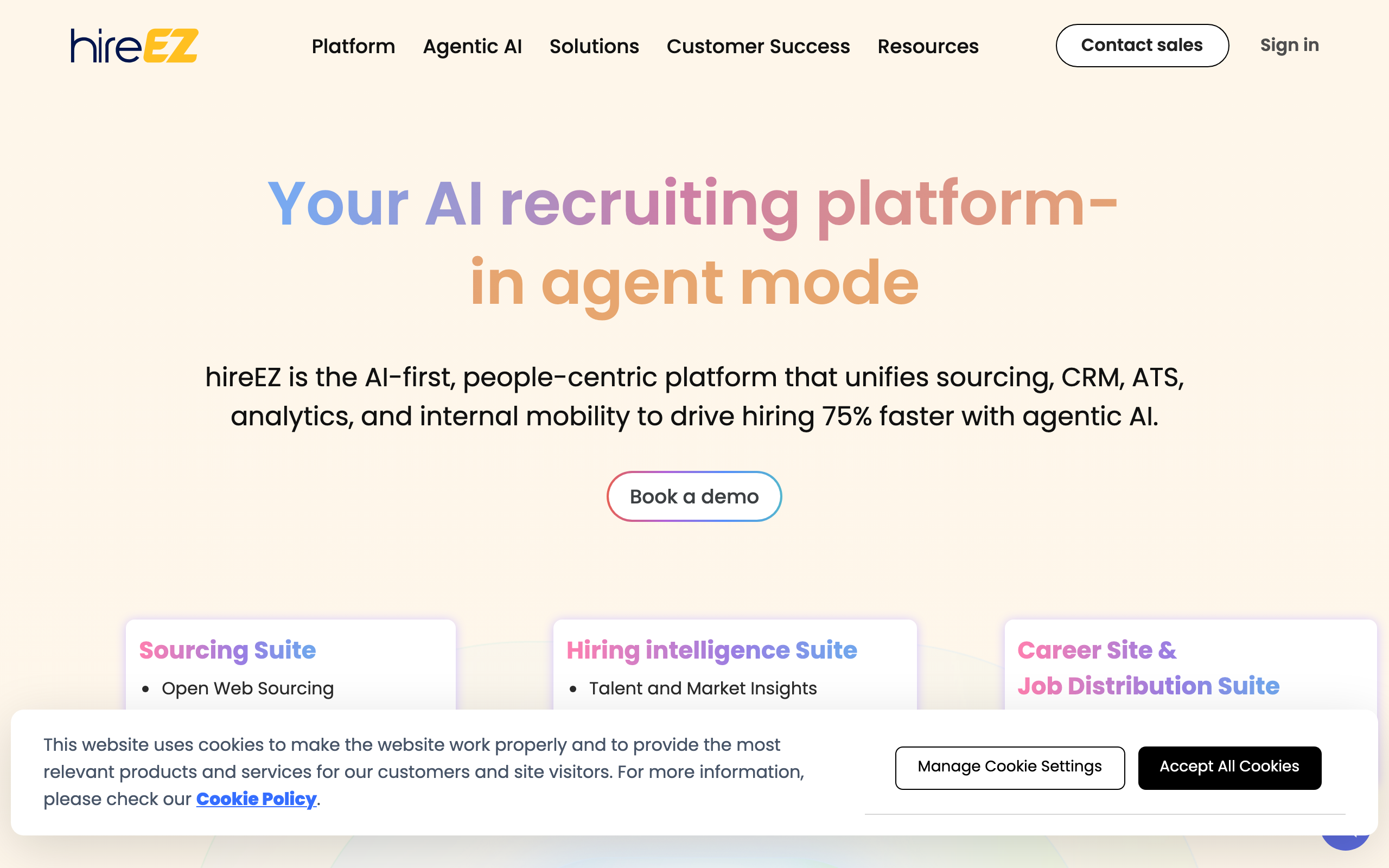
HireEZ (formerly Hiretual) is an AI sourcing platform that finds and ranks candidates across 45+ external sources plus your ATS, then automates multi-channel outreach. It's designed to layer on top of an existing ATS rather than replace it.
Key features
- AI sourcing across 45+ platforms, ranked by job fit
- Contact enrichment (business and personal emails, phone numbers)
- Automated email/SMS/InMail outreach with follow-up sequences
- Talent rediscovery that re-surfaces candidates already in your ATS
- Recruitment CRM plus market and diversity analytics
Pros
- Broad reach beyond LinkedIn for passive candidates
- Deep ATS integrations are a frequently cited standout
- Effective automated outreach campaigns that save recruiter time
Cons
- No public pricing — a sales call is required for any quote
- Contact-data accuracy varies by region and needs manual checks
- Reviewers note occasional duplicate profiles and a learning curve
Pricing: Not publicly listed; contact sales for a custom quote.
User reviews: 4.7/5 on Capterra (103 reviews, under the legacy "Hiretual" listing); approximately 4.6/5 on G2 as of July 2026.
Best for: Mid-market to enterprise talent teams that want AI passive-candidate sourcing and automated outreach on top of their ATS.
Fetcher
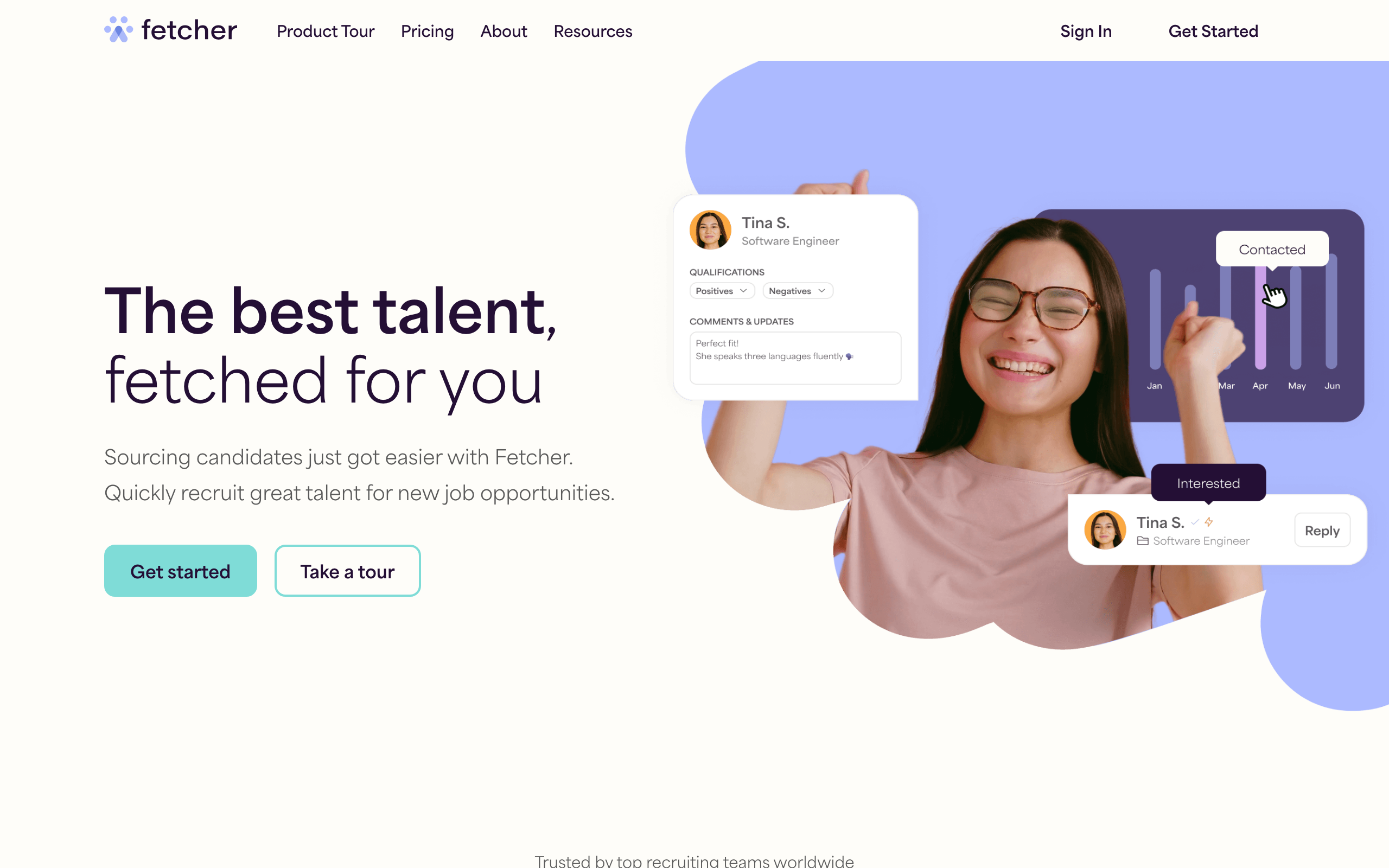
Fetcher is an AI plus human-in-the-loop sourcing tool that surfaces vetted candidate profiles, runs automated email outreach, and feeds candidates into your ATS. A human review layer refines the AI's results before they reach you.
Key features
- AI sourcing across a 500M+ candidate database
- Human-in-the-loop vetting before candidates are delivered
- Automated email outreach sequences to passive candidates
- Diversity sourcing goals for more representative pipelines
- Integrations with ATS, CRM, Gmail/Outlook, LinkedIn, and Slack
Pros
- Consistently praised, responsive support
- Real top-of-funnel automation that saves hours per role
- Built-in diversity goal-setting
Cons
- No free tier or free trial
- Weaker for executive or highly specialized roles
- Candidate fit can need extra filtering
Pricing (billed annually): Self-Serve $115/mo (~300 leads/mo), Growth $379/mo, Amplify $649/mo (adds a dedicated sourcer), Enterprise custom. See Fetcher pricing.
User reviews: 4.6/5 on Capterra (33 reviews) as of July 2026.
Best for: Small-to-mid-market teams and agencies automating outbound sourcing for standard, high-volume roles.
Best for scheduling & communication: Paradox & Humanly
Interview scheduling and candidate follow-up are pure coordination work — perfect for automation. Conversational AI tools chat with candidates, answer questions, and book interviews around the clock, which is why they shine in high-volume and hourly hiring.
Paradox
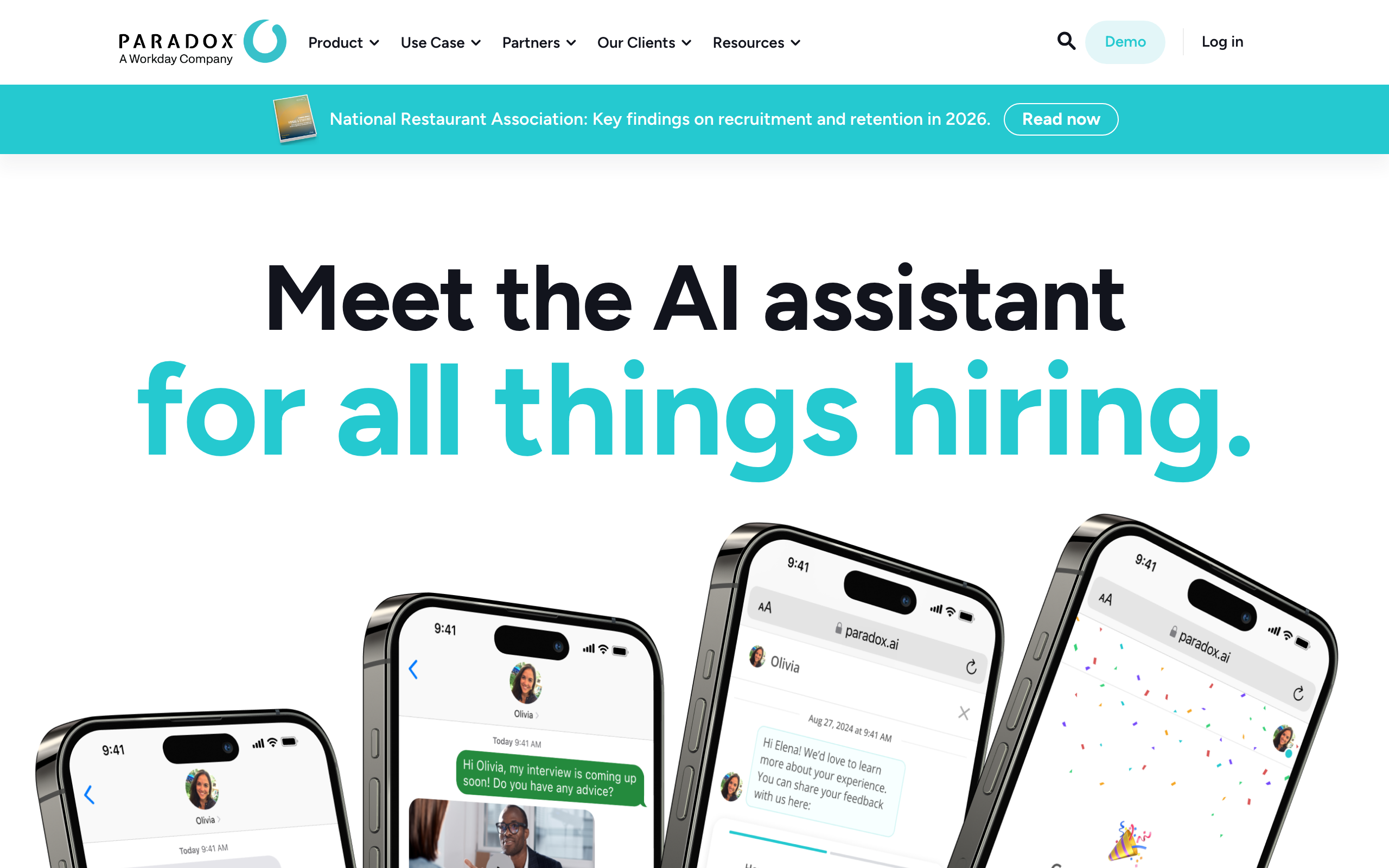
Paradox (its assistant is named "Olivia") is conversational recruiting AI that screens candidates, answers questions, and schedules interviews via chat and SMS. It's built primarily for high-volume and hourly hiring where speed-to-schedule matters most. Workday acquired Paradox for $1 billion in cash in a deal that closed on October 1, 2025, so it is now part of Workday's talent acquisition suite. See our deeper Paradox review and alternatives.
Key features
- Conversational AI that screens and qualifies candidates 24/7 via chat and SMS
- Automated interview scheduling with real-time calendar sync and self-service rescheduling
- Recorded and live video interviewing, alongside chat-based screening
- Multilingual candidate engagement across 100+ languages
- Onboarding automation (document collection, reminders)
- Integrations with major ATS/HCM platforms
Pros
- Very strong for high-volume and hourly hiring
- Reduces recruiter time on repetitive screening and scheduling
- Strong candidate-experience and responsiveness reputation
Cons
- Only one public price point; everything above it is a negotiation, and there's no free trial
- Best fit is high volume; less compelling for low-volume specialized roles
- It's an automation layer, not a full ATS on its own
Pricing: Paradox does not publish pricing on its own site. Its Capterra listing shows a starting price of $1,000/mo, with no free trial and no free version; everything above that is contact-sales.
User reviews: 4.5/5 on G2 (59 reviews) and 4.0/5 on Capterra (8 reviews) as of August 2026.
Best for: High-volume and hourly hiring teams that want to automate screening and scheduling at scale.
Humanly
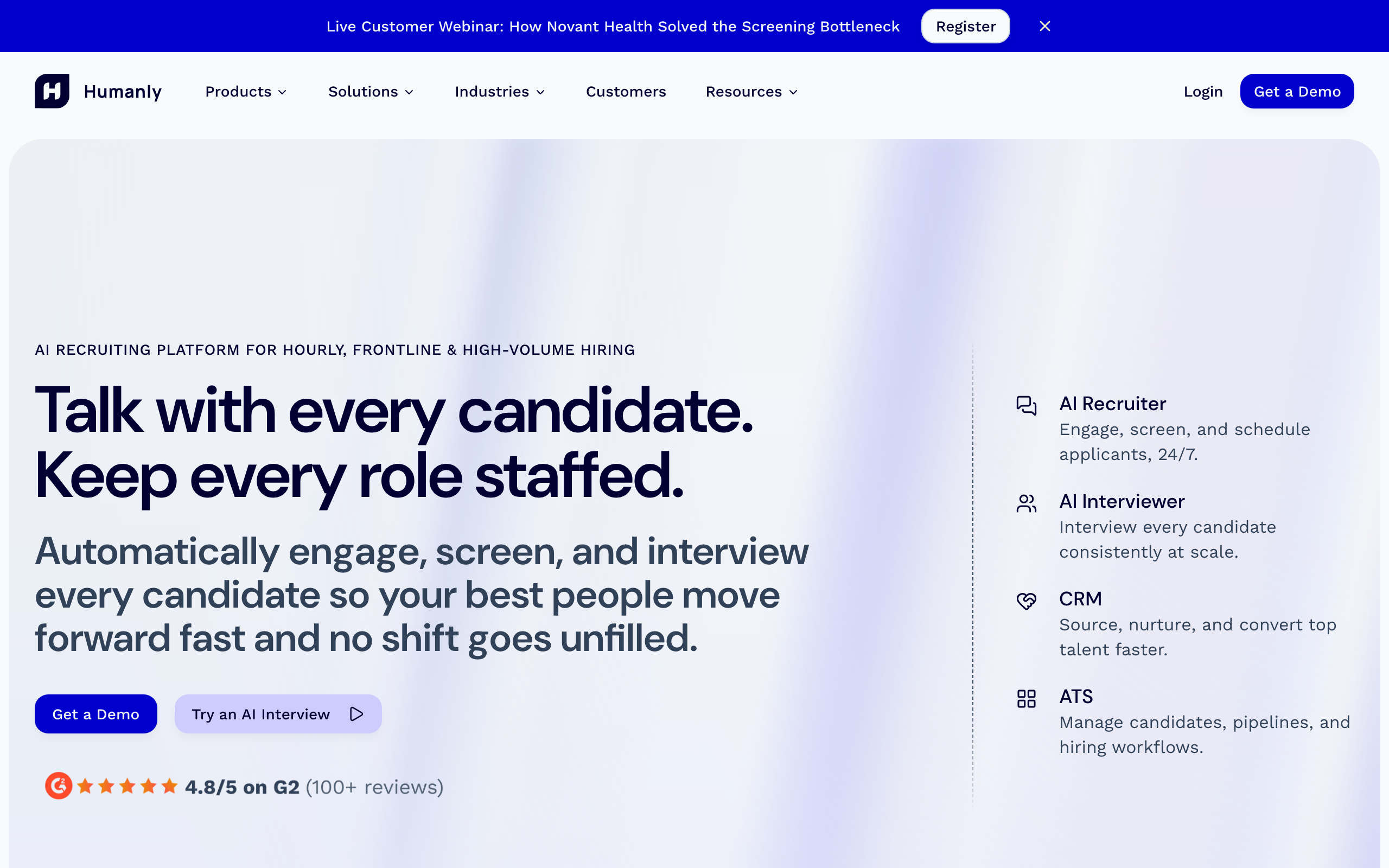
Humanly is a conversational AI recruiting platform that engages, screens, and schedules candidates 24/7, with a built-in AI interviewer and ATS. It targets high-volume and frontline hiring. See our Humanly review for a closer look.
Key features
- AI recruiter that engages, screens, and schedules across SMS, email, and chat
- AI interviewer for structured async interviews with transcripts and scoring
- Talent CRM sourcing from a 600M+ profile network
- Built-in ATS for pipeline management
- Customizable screening questions and knockout criteria
Pros
- Fast conversational screening with ranked results
- Full-funnel in one tool (engage → screen → schedule → interview)
- Strong candidate-experience reputation
Cons
- Purpose-built for high-volume hourly hiring; less suited to specialized roles
- No public pricing — a demo is required
- Smaller independent review footprint than incumbents
Pricing: Not publicly listed; contact sales.
User reviews: 4.0/5 on Capterra (based on a single review, so treat as a thin sample); G2 scores are reported in the 4.5–4.8 range but were not directly verifiable, as of July 2026.
Best for: Teams doing high-volume hourly or frontline hiring who want conversational AI to screen and schedule automatically.
Best for end-to-end automation: Greenhouse & Workable
If your real problem is that hiring data lives in five places, you need a system of record, not another point tool. An applicant tracking system automates the whole pipeline — postings, structured interviews, scorecards, and reporting — and integrates the point tools above.
Greenhouse
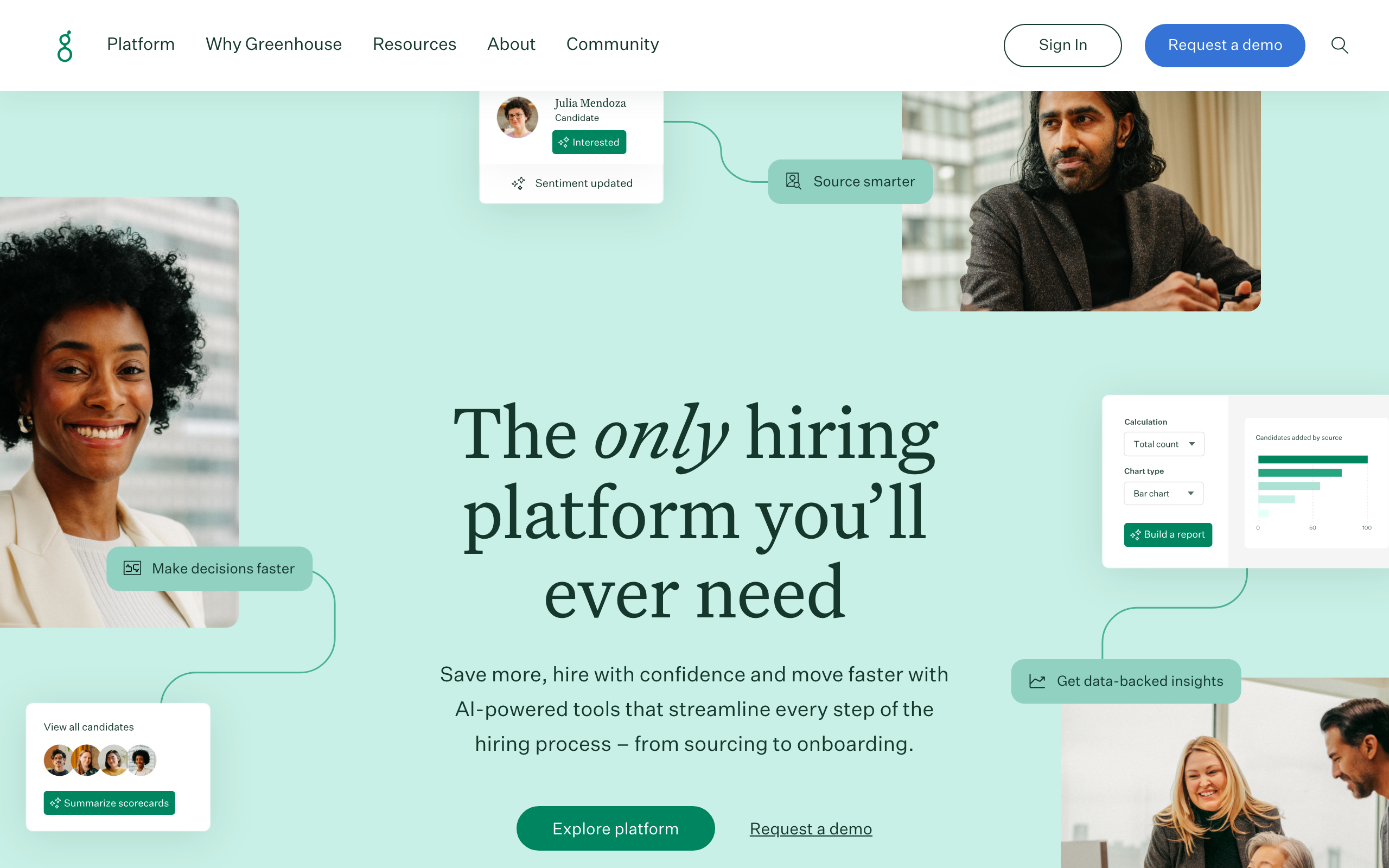
Greenhouse is an end-to-end ATS built around structured, consistent hiring: interview kits, scorecards, standardized workflows, and deep reporting. It's a common choice for mid-market and enterprise teams that want rigor and integrations.
Key features
- Structured hiring with interview kits and scorecards
- Sourcing and candidate CRM
- Automated interview scheduling
- Job distribution to 400+ boards
- Reporting, analytics, and enterprise security
Pros
- Widely regarded as a leading ATS with a very deep integration ecosystem
- Strong structured-hiring framework that drives consistency
- Robust reporting and enterprise-grade compliance
Cons
- No public pricing and no self-serve trial
- Expensive for small teams; onboarding is a paid add-on
- Can be heavy to set up for very small teams
Pricing: Not publicly listed; three tiers (Core, Plus, Pro), all contact-sales. See Greenhouse pricing.
User reviews: 4.4/5 on G2 (~3,800 reviews) and 4.5/5 on Capterra (738 reviews) as of July 2026.
Best for: Mid-market and enterprise teams that want a structured, end-to-end hiring process with deep reporting.
Workable
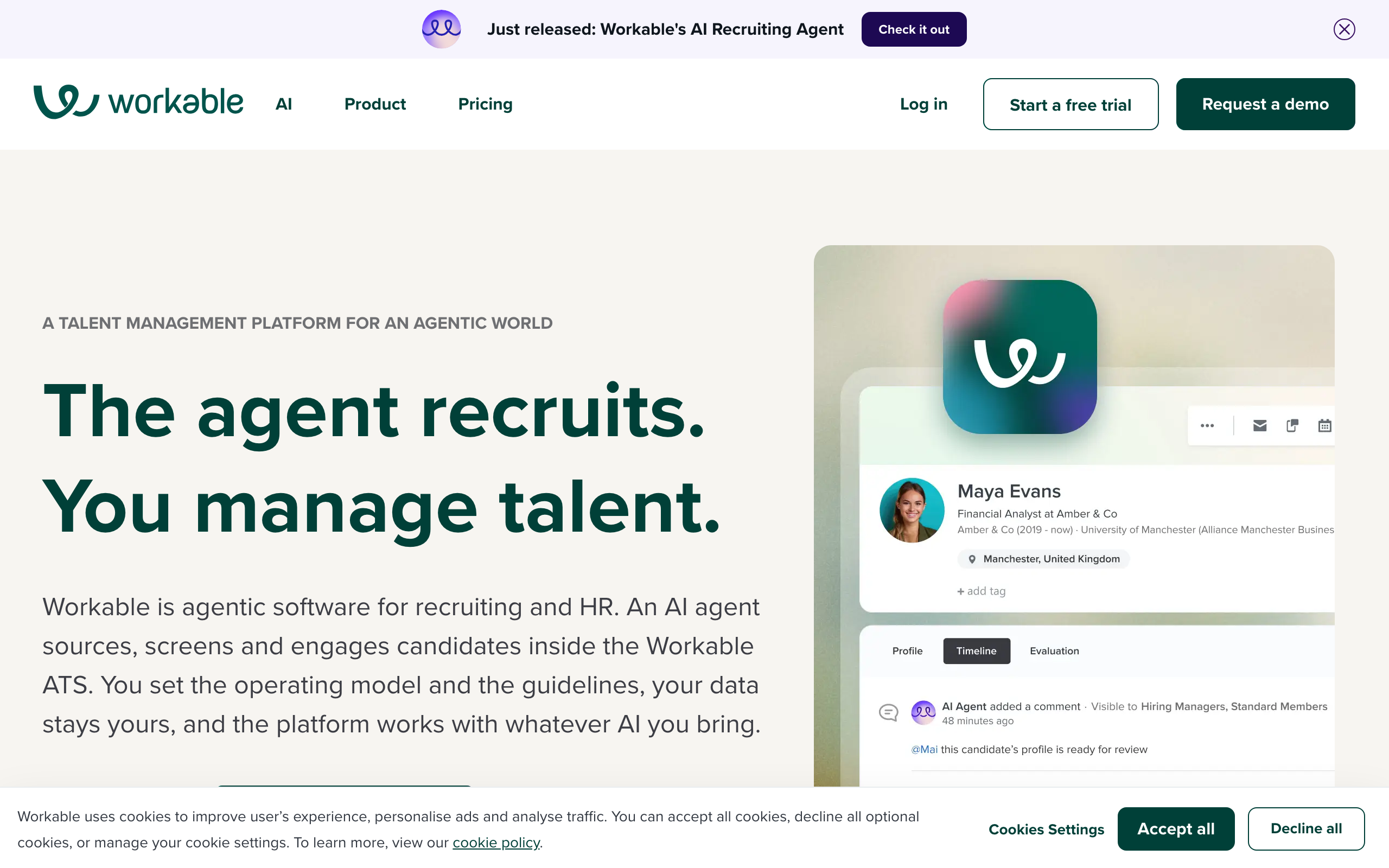
Workable is an ATS and HR platform for SMBs and mid-market teams, with sourcing, AI candidate matching, one-click job posting, and built-in HR workflows. It's one of the few ATS vendors that publishes pricing.
Key features
- Applicant tracking with collaborative pipelines and scorecards
- One-click posting to 200+ job boards
- AI sourcing and candidate matching from a large passive database
- Recruiting extras: video interviews, texting, assessments
- HR features (time off, e-signatures) and a new Workable AI agent
Pros
- Transparent, published pricing with a self-serve free trial
- Fast to set up; strong SMB and mid-market fit
- Combined recruiting and HR in one platform
Cons
- Pricing scales with total employee headcount, so cost can jump as you grow
- Reporting and deep customization trail enterprise ATSs
- Some premium tools cost extra on lower tiers
Pricing (1–20 employees): Standard $299/mo, Premier $599/mo, Enterprise $719/mo; every plan includes 1,000 free AI agent credits. Scales with headcount above 20. See Workable pricing.
User reviews: 4.4/5 on G2 (~700 reviews) and 4.4/5 on Capterra (658 reviews) as of July 2026.
Best for: Small businesses and growing mid-market teams that want an affordable, easy-to-launch ATS with transparent pricing.
Other video & assessment tools to know
These tools overlap with screening but lean toward structured video interviewing and pre-hire assessments. They're worth knowing when comparing options against a dedicated screening tool like Hirevire.
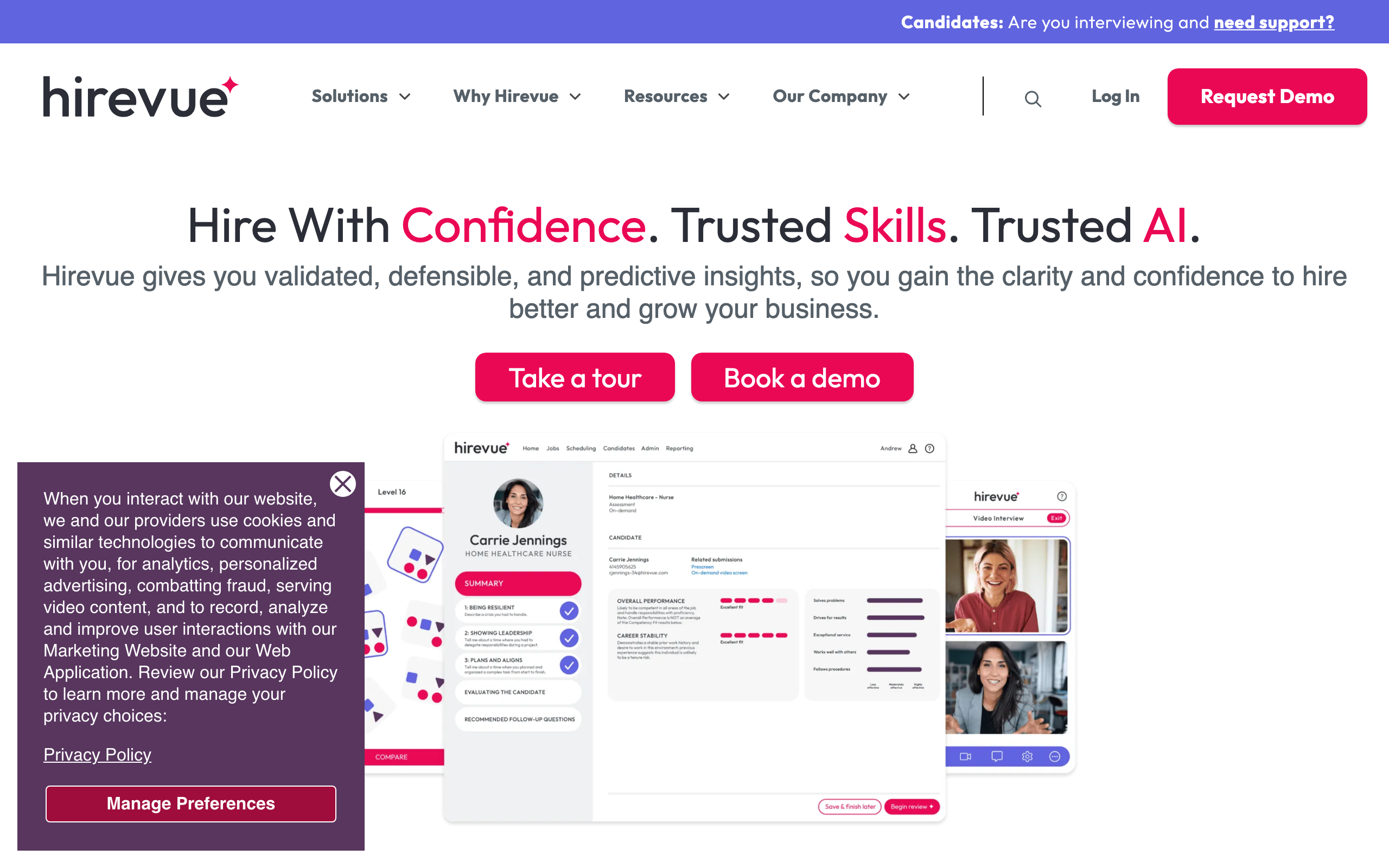
HireVue
HireVue is an enterprise hiring platform that automates video interviewing (live and on-demand), skills and behavioral assessments, AI scoring, and scheduling at scale. See our HireVue review and alternatives.
Key features
- Live and on-demand video interviewing with structured guides
- Assessment suite (game-based, virtual job tryout, technical)
- AI interviewer and interview analytics
- Automated scheduling and text/SMS engagement
- Compliance tooling (SOC 2, ISO 27001, GDPR)
Pros
- Deep, mature assessment science
- Strong enterprise compliance and bias-mitigation focus
- Scales to very high hiring volumes
Cons
- Expensive and enterprise-only in practice; overkill for SMBs
- Scheduling is an add-on at the entry tier
- AI scoring draws ongoing fairness scrutiny
Pricing: Not publicly listed; contact sales.
User reviews: Approximately 4.1/5 on G2 (~255 reviews) as of July 2026; a Capterra listing exists but its figures were not directly verifiable.
Best for: Large enterprises running high-volume, structured, compliance-sensitive hiring that want assessments, video, and AI in one suite.
Spark Hire
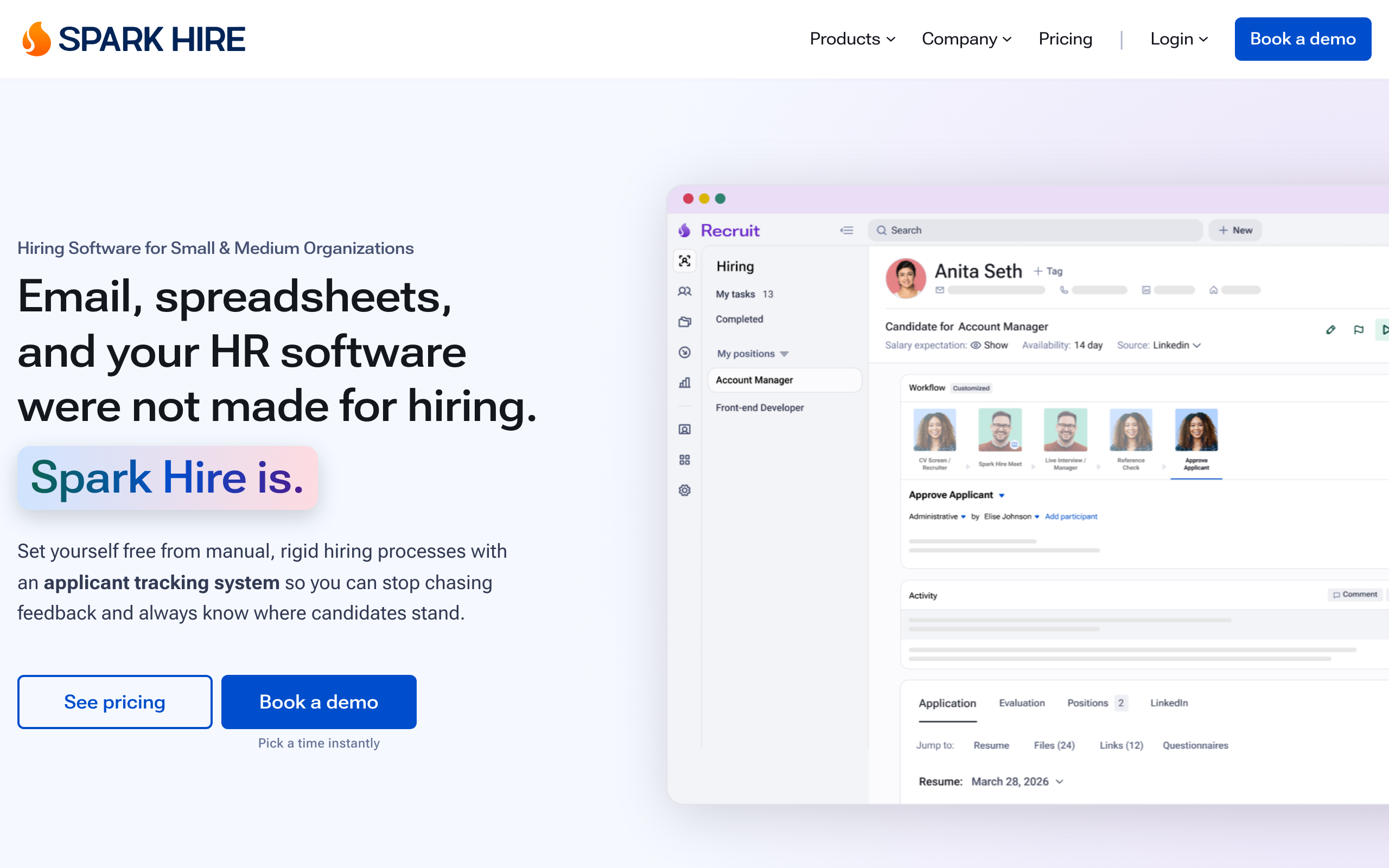
Spark Hire is a video interviewing platform (one-way and live) with an add-on ATS, AI resume review, assessments, and automated reference checks. See our Spark Hire reviews and alternatives.
Key features
- One-way and live video interviews, unlimited on all plans
- Applicant tracking ("Recruit" tiers)
- AI resume review and behavioral assessments
- Automated reference checks
- Unlimited users on paid tiers
Pros
- Publishes transparent pricing, rare in this category
- Unlimited video interviews and users on paid plans
- Bundles ATS, assessments, and reference checks
Cons
- Newer bundled ATS pricing is more complex than the old video-only plans
- Assessments are less scientifically deep than HireVue or ThriveMap
- SSO and custom contracts gated behind enterprise
Pricing (billed annually): Video Interviews from $249/mo; Recruit Pro from $335/mo, Recruit Growth from $499/mo, Recruit Enterprise custom. See Spark Hire pricing.
User reviews: 4.7/5 on Capterra (109 reviews) and 4.7/5 on G2 as of July 2026.
Best for: SMBs and mid-market teams wanting affordable, transparent-priced video interviewing, optionally bundled with a light ATS.
ThriveMap
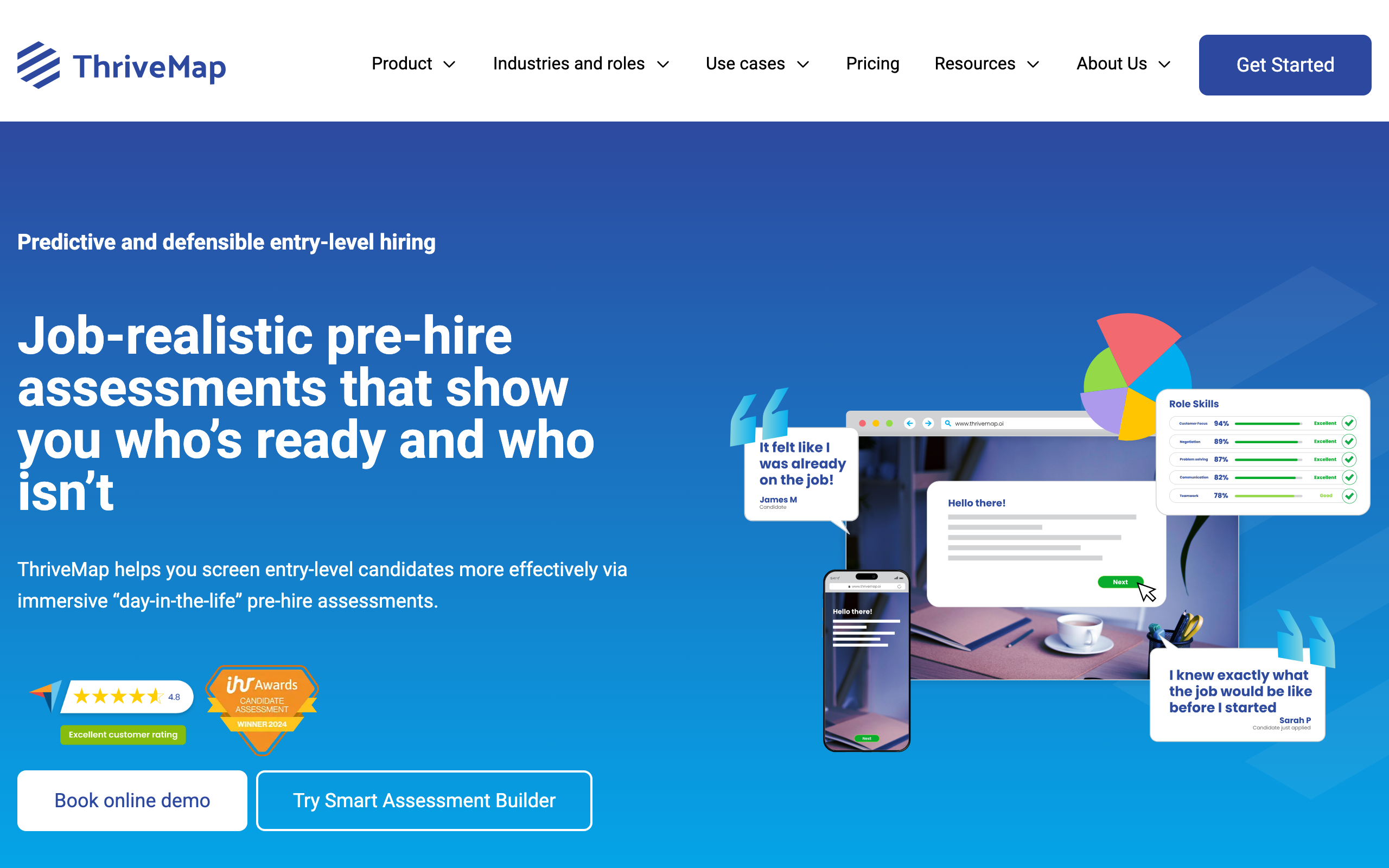
ThriveMap is a realistic-job-preview and pre-hire assessment platform that simulates a "day in the role" to predict fit and cut early attrition in high-volume frontline hiring. See our ThriveMap review.
Key features
- Realistic job assessments that simulate day-in-the-role scenarios
- 12+ interactive question types with AI-generated video
- Self-serve Smart Assessment Builder
- Bespoke custom psychometric assessments
- Real-time analytics and ATS integrations
Pros
- Distinctive realistic-job-preview approach that sets expectations
- Per-assessment pricing scales well for high volume
- Self-serve builder lowers the barrier versus fully bespoke rivals
Cons
- Narrow fit — designed for enterprise frontline volume
- Full/custom pricing still requires a quote
- Small independent review base
Pricing: Not publicly listed as fixed tiers; a self-serve Smart Assessment Builder plus bespoke quotes. See ThriveMap pricing.
User reviews: 4.8/5 on Capterra (based on 4 reviews, so treat as a very thin sample) as of July 2026.
Best for: Enterprise frontline employers hiring at high volume for a single role who want to cut early attrition via realistic previews.
Pricing and value: what you actually pay
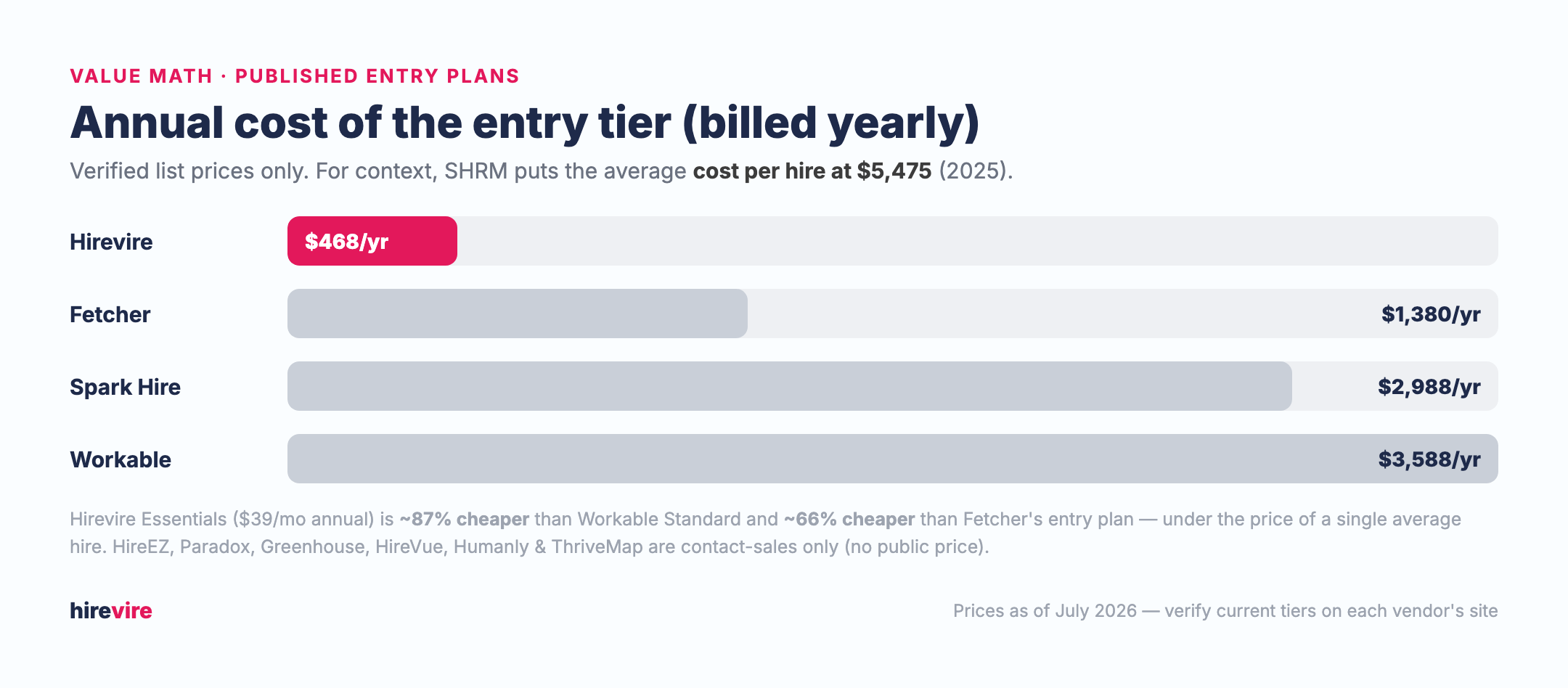
Only four of these ten tools publish list pricing on their own sites. The rest are contact-sales, which usually means a higher floor and a negotiation. Paradox is a partial exception: it publishes nothing itself, but its Capterra listing carries a $1,000/mo starting price. Here's how the published entry plans compare on an annual basis.
| Tool | Stage | Entry pricing | Third-party rating |
|---|---|---|---|
| Hirevire | Screening | $39/mo (from $468/yr) | 5.0/5 Capterra |
| Fetcher | Sourcing | $115/mo (from $1,380/yr) | 4.6/5 Capterra |
| Spark Hire | Video | $249/mo (from $2,988/yr) | 4.7/5 Capterra |
| Workable | ATS | $299/mo (from $3,588/yr) | 4.4/5 Capterra |
| HireEZ | Sourcing | Contact sales | 4.7/5 Capterra |
| Paradox | Scheduling | From $1,000/mo (per Capterra) | 4.5/5 G2 |
| Humanly | Scheduling | Contact sales | 4.0/5 Capterra (n=1) |
| Greenhouse | ATS | Contact sales | 4.5/5 Capterra |
| HireVue | Video | Contact sales | 4.1/5 G2 |
| ThriveMap | Assessments | Contact sales | 4.8/5 Capterra (n=4) |
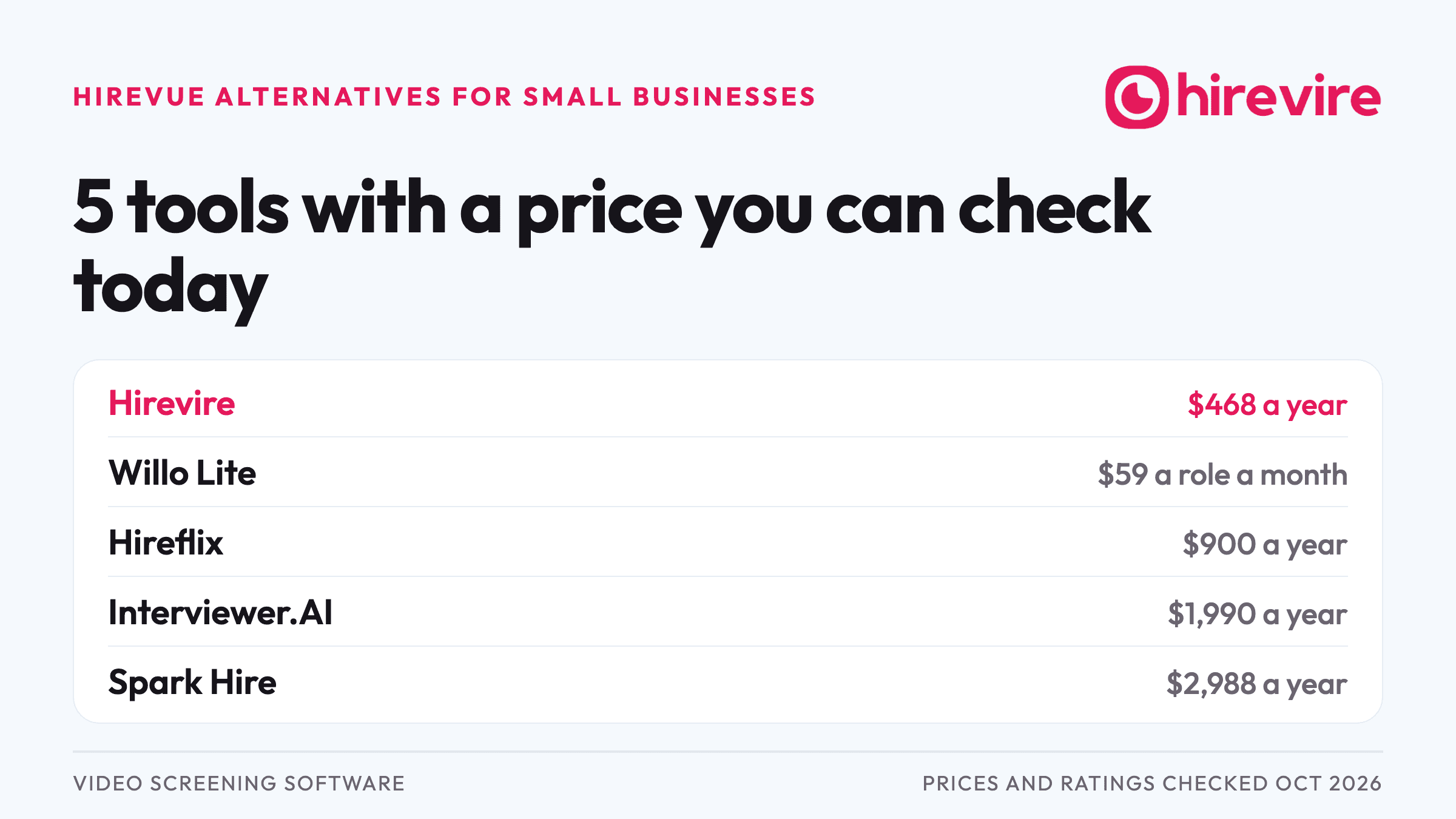
The value math: Hirevire's Essentials plan works out to $468/year (billed annually). That's about 87% cheaper than Workable's Standard plan ($3,588/year) and about 66% cheaper than Fetcher's entry plan ($1,380/year) — and less than the cost of a single average hire, which SHRM pegs at $5,475. Against Paradox's $1,000/mo floor ($12,000/year), Hirevire Essentials is about 96% cheaper. Because screening is usually the biggest time sink, automating it first tends to return the most hours per dollar. Ratings are point-in-time snapshots; verify current numbers on each vendor's review page before you buy.
How to choose: a decision tree by bottleneck
Start with the stage that's costing you the most time. This maps each common bottleneck to the tool that automates it.
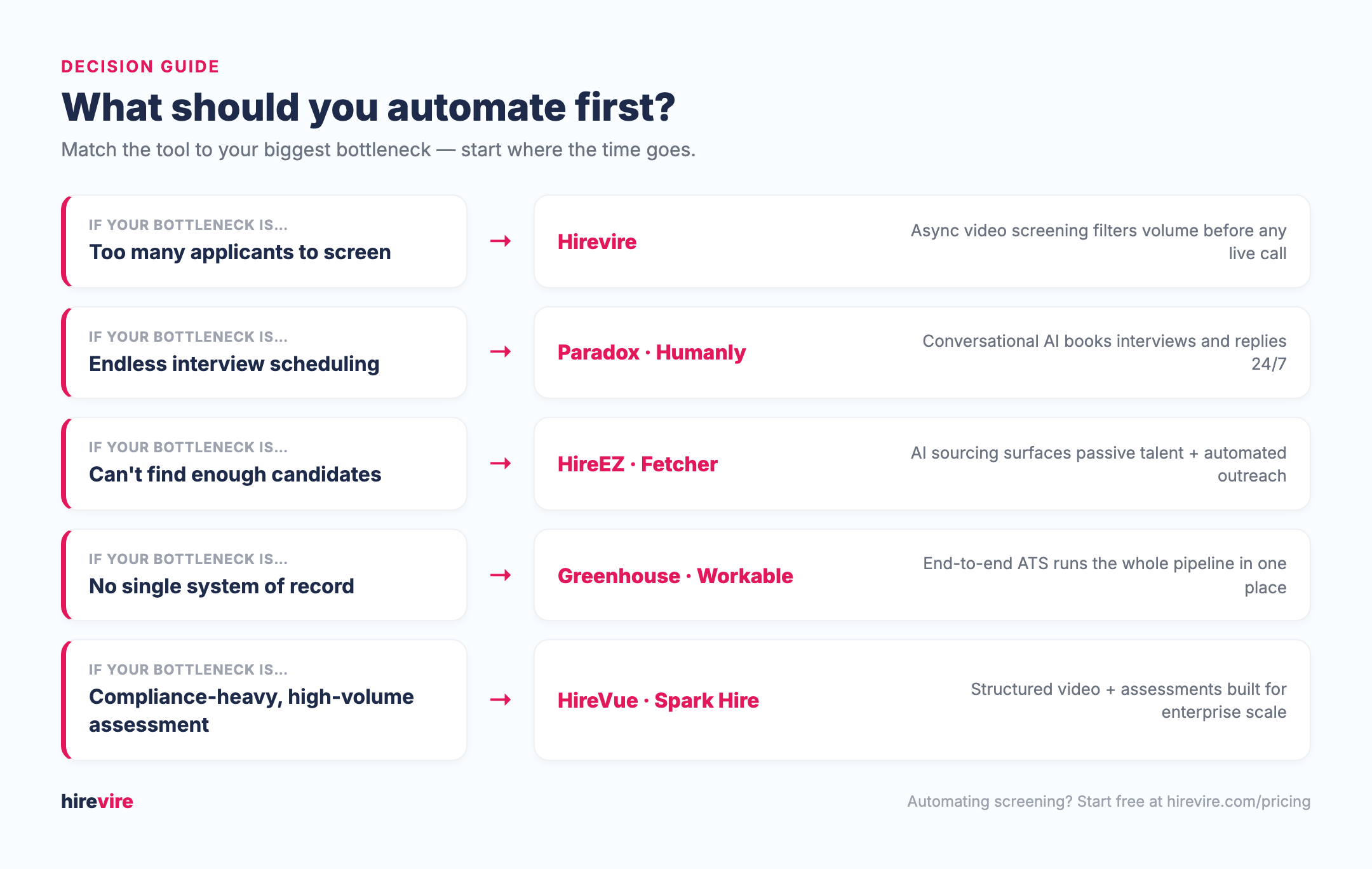
- Too many applicants to screen? → Hirevire. Async screening filters volume before any live call.
- Endless interview scheduling? → Paradox or Humanly. Conversational AI books interviews 24/7.
- Can't find enough candidates? → HireEZ or Fetcher. AI sourcing surfaces passive talent with automated outreach.
- No single system of record? → Greenhouse or Workable. An end-to-end ATS runs the whole pipeline.
- Compliance-heavy, high-volume assessment? → HireVue or Spark Hire. Structured video and assessments built for scale.
Use-case cheat sheet
| Your situation | Best choice | Why |
|---|---|---|
| Solo recruiter screening for one role | Hirevire | $39/mo, no login for candidates, live in a day |
| Agency screening many clients | Hirevire (Agency) | Multi-org, 20 jobs, shareable review links |
| Retail/hospitality hiring hourly staff | Paradox or Humanly | 24/7 chat screening and auto-scheduling |
| Startup with an empty pipeline | Fetcher | Affordable outbound sourcing, published price |
| Enterprise sourcing passive tech talent | HireEZ | 45+ sources plus ATS, ranked outreach |
| Scaling team needing a system of record | Workable | SMB-friendly ATS with transparent pricing |
| Enterprise wanting structured hiring + reporting | Greenhouse | Scorecards, interview kits, deep analytics |
| High-volume, compliance-sensitive assessment | HireVue | Mature assessments, enterprise compliance |
| Budget-conscious team wanting video interviews | Spark Hire | Published pricing, unlimited interviews |
| Frontline employer fighting 90-day attrition | ThriveMap | Realistic job previews predict on-the-job fit |
Methodology & why trust this guide
Every tool in this guide follows the same template — features, pros, cons, pricing, third-party rating, and a "best for" — so you can compare like for like. Pricing was taken from each vendor's official pricing page where published, and marked "contact sales" where it isn't. Third-party ratings were sourced from Capterra and G2; Capterra scores were verified directly, while some G2 figures are corroborated from multiple sources but approximate, and small sample sizes (Humanly, ThriveMap) are flagged inline. We did not include unverifiable pricing estimates for contact-sales tools.
This guide is maintained by the team at Hirevire, which builds async video screening software. We compete in the screening category, so we've been explicit about where Hirevire fits (screening) and where other tools lead (sourcing, scheduling, ATS, assessments). For a broader landscape view, see our guides on recruiting automation and the best AI recruitment tools.
Last updated: August 7, 2026. Paradox's pricing, ownership, and review scores were rechecked on this date after Workday's acquisition closed; all other tools were last verified July 1, 2026. Pricing and ratings are point-in-time and can change — verify on each vendor's site.
Frequently asked questions
Basics
What is recruiting automation software? Recruiting automation software uses AI and automated workflows to handle repetitive hiring tasks — sourcing candidates, screening applicants, scheduling interviews, and sending updates — so recruiters can focus on judgment and relationships. Most tools specialize in one stage rather than the whole funnel.
Which recruiting stage should I automate first? Automate the stage costing you the most time. For most teams that's screening, because reviewing resumes and scheduling early calls consumes the most hours. Tools like Hirevire remove that bottleneck by letting candidates screen themselves in asynchronously.
Comparisons
What's the difference between a screening tool and an ATS? A screening tool (like Hirevire) qualifies candidates before a live interview, usually with video, audio, or assessments. An applicant tracking system (like Greenhouse or Workable) is the system of record that manages the entire pipeline. Many teams use both: a screening tool feeding into an ATS.
Is Hirevire an alternative to HireVue or Spark Hire? Yes, for screening. Hirevire focuses on affordable, login-free async screening starting at $39/month, while HireVue targets enterprise assessments and Spark Hire bundles video interviewing with a light ATS. See our HireVue and Spark Hire comparisons.
Pricing
How much does recruiting automation software cost? It ranges widely. Published entry plans in this guide run from $39/month (Hirevire) to $299/month (Workable). Paradox does not publish pricing itself, but its Capterra listing shows a $1,000/month starting point. HireEZ, Greenhouse, HireVue, Humanly, and ThriveMap are contact-sales only. For context, SHRM puts the average cost per hire at $5,475.
Do these tools integrate with my existing ATS? Most do. Sourcing and screening tools are built to feed candidates into an ATS rather than replace it — check each vendor's integrations, and see Hirevire's integrations as an example.
Getting started
How fast can I start automating? Self-serve tools with transparent pricing (Hirevire, Fetcher, Spark Hire, Workable) can be live in a day or two with a free trial. Contact-sales enterprise suites typically involve a demo, a quote, and a longer onboarding.