
AI Scorecards: Automated Candidate Evaluation
AI Scorecards automatically evaluate every candidate against your custom rubrics, giving each application a weighted score with detailed feedback. This standardizes your screening process and helps you identify top talent faster.
What AI Scorecards Do
Instead of manually reviewing every video or audio response, AI Scorecards analyze candidate answers based on factors you define—like communication skills, technical knowledge, or cultural fit. Each candidate receives:
An overall score (1-5 scale) calculated from weighted factors
Individual scores for each evaluation criterion
Specific feedback explaining strengths and concerns
Citations linking feedback to the questions where the AI observed each behavior
Scorecards generate automatically when candidates submit their applications, so you can sort and prioritize immediately.
Common Use Cases
Prioritize top candidates faster — Sort applications by score to surface the strongest matches first, especially useful for high-volume roles.
Standardize evaluations across teams — Everyone reviews candidates using the same rubric, reducing bias and inconsistency.
Reduce initial screening time — Let AI handle the first pass, then focus your time on the highest-scoring candidates.
Get AI-backed reasoning — See exactly why a candidate scored high or low, with specific examples from their responses.
How It Works
You define evaluation factors (e.g., "Communication Skills," "Technical Knowledge") with custom rubrics describing what makes a poor, fair, good, or excellent response. Assign weights to each factor based on importance, then associate factors with specific questions in your job application.
Once configured, every new candidate automatically gets scored—no manual action needed. You'll see scores in the applications list and detailed breakdowns on each candidate's page.
AI Scorecards are included for free on all paid plans with no usage limits. Scored applications count toward your plan's total application limits.
Getting Started
Access AI Scorecards from your job's Settings page under the Scorecard tab. You have three options to create your rubric:
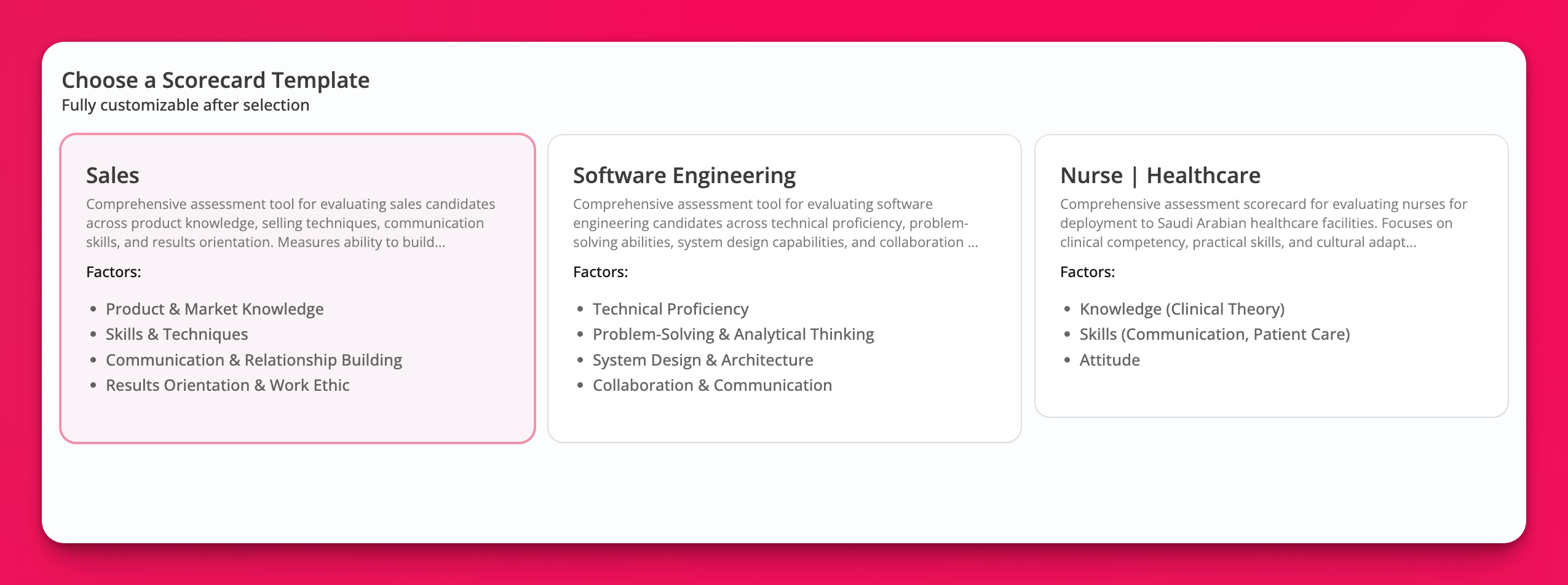
Use a template — Choose from pre-built rubrics for common roles and evaluation criteria. Select a template and customize the factors to match your needs.
Upload a rubric — Upload a text document with your existing rubric and let AI parse it into structured factors automatically.
Start from scratch — Build your rubric manually by adding custom factors, defining evaluation criteria, and setting weights.
For step-by-step setup instructions, see Using AI Scorecards to Evaluate Candidates.